Chunk Mover
allows you to select a chunk area in the world and move it by a specified number of blocks.
building building_mechanics chat
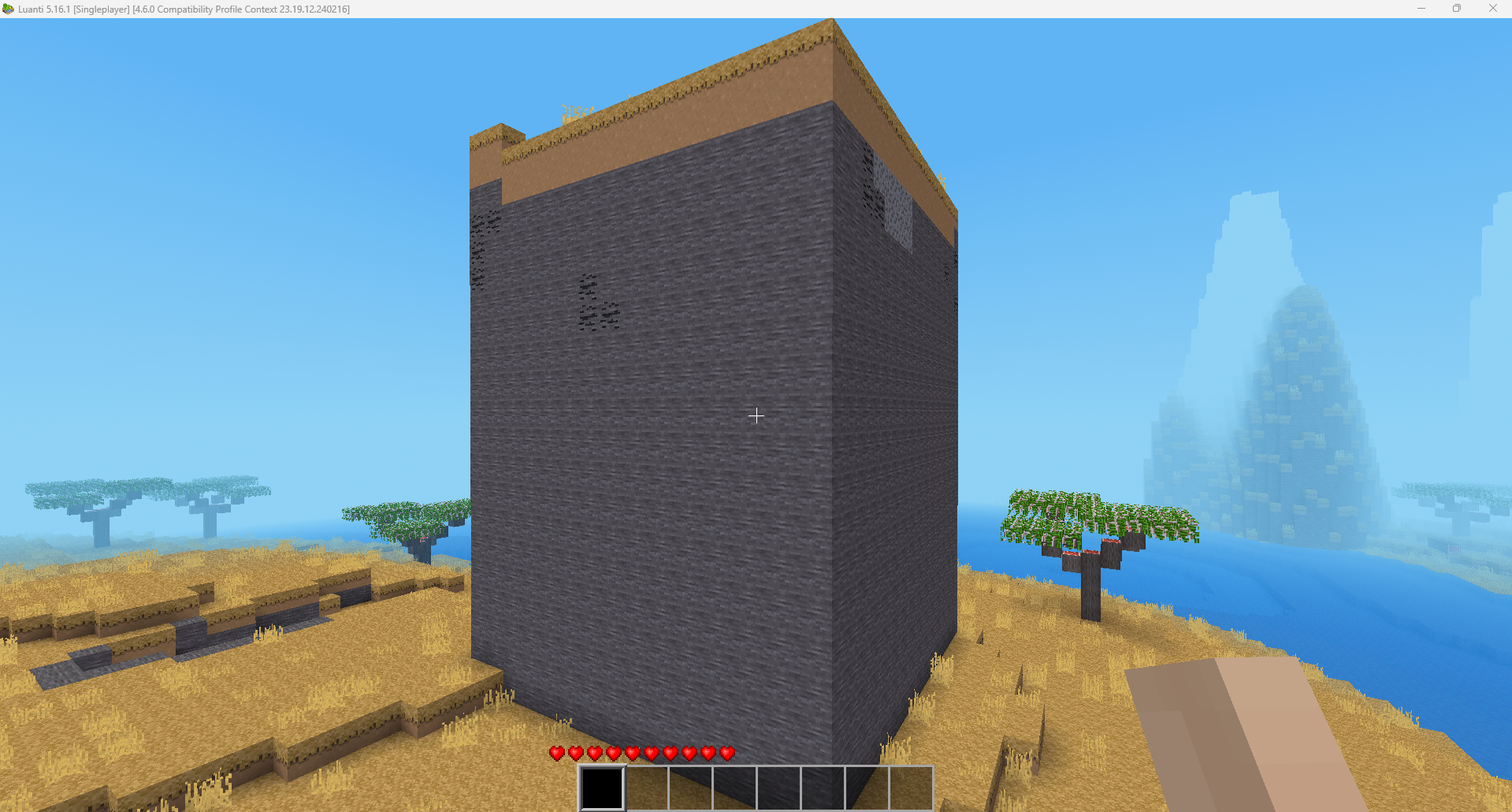
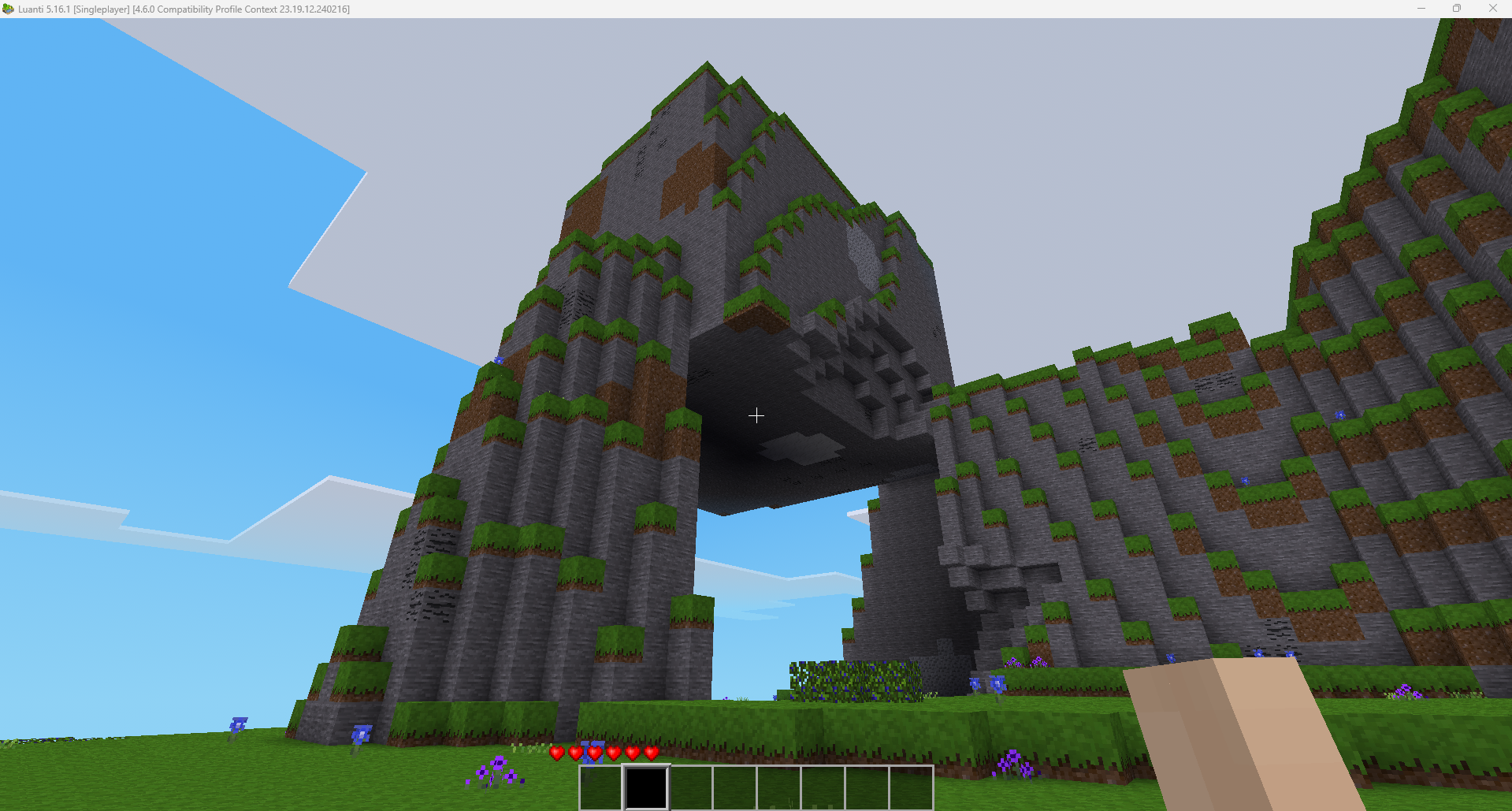
- Select any rectangular horizontal area in the world
- Choose vertical extension direction (up or down)
- Customize vertical extension height (default: 100 blocks, max: 1000 blocks)
- Automatically extends selection in chosen direction and height
- Move the selected area up by any number of blocks
- Preserves all block types and metadata
- Automatic selection position updates after moving
Commands
/cm_pos1
Set the first position of your chunk selection at your current location. This marks the horizontal area (X/Z coordinates).
/cm_pos2
Set the second position of your chunk selection at your current location. This marks the horizontal area (X/Z coordinates).
/cm_show
Display your current selection coordinates and size.
/cm_clear
Clear your current selection.
/cm_direction <up|down>
Set the vertical extension direction. Use "up" to extend upward from the lowest point, or "down" to extend downward from the highest point. Default is "up".
/cm_height <blocks>
Set the vertical extension height in blocks. Default is 100 blocks, maximum is 1000 blocks.
/cm_move <blocks>
Move the selected chunk up by the specified number of blocks.
Links
- Original ContentDB page: content.luanti.org/packages/DiamondFist/chunk_mover/
License
MIT
Development state
ACTIVELY_DEVELOPED
| Version | Date | Min engine | Size | Download |
|---|---|---|---|---|
| Chunk Mover - license fix | 2026-08-07 14:39:15 | 5.13 | 4.4 KB | Download |