Teal Language support for Luanti

Adds support for running Teal scripts. Teal is a variation of Lua that allows for static type checking.


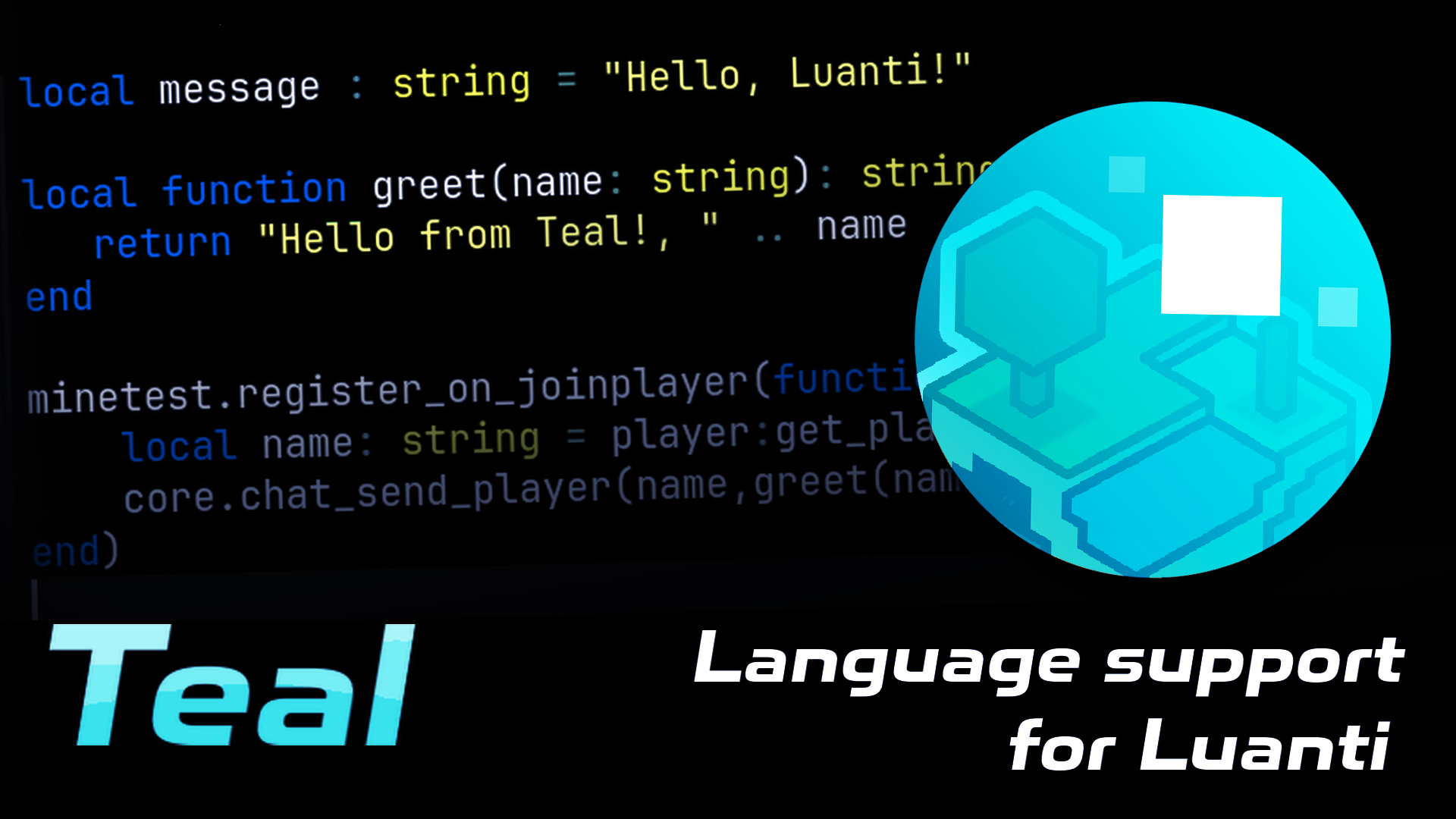


Teal Language support for Luanti
This mod adds Teal functionality to Luanti (formerly Minetest). Teal is a dialect of Lua that adds type checking, allowing for a more easily readible codebase, it was developed to be used easily with Lua. It can be transpiled to Lua and can even run in a Lua environment and be compiled to Lua.
The idea for this mod was inspired by slua from Skyblock Zero, except in that mod, Teal is used in a sandboxed environment to let players code in Lua with luacontrollers. I personally decided to make this mod because I intend on making some minetest mods or content in the future and want there to be a central Teal language mod for others to depend on, so that mods or content using Teal can just import it once.
This mod is intended for developers such as myself who come from a systems language background like Golang, who rely on typed systems for clarity and readible code, who want to write Teal Lua mods for Luanti.
Though there is currently one minor downside which is that when run, the type safety isn't actually implemented, it's all stripped down back to Lua and executed like normal.
Usage
Install the mod and enable it, then write code in .tl files in your project and just load them with dofile or loadfile like normal,
Example init.lua:
local modpath = core.get_modpath(core.get_current_modname())

dofile(modpath .. "/greet_player.tl")
An init.lua file is required, it cannot be init.tl, but from there you can load all the .tl files you'd like.
Example greet_player.tl:
local function greet(name: string): string
   return "Hello from Teal!, " .. name
end

minetest.register_on_joinplayer(function(player)
    local name: string = player:get_player_name()
    core.chat_send_player(name,greet(name))
end)
This will load, compile and run a .tl file to Lua code which will then be run with loadstring() internally.
Making mods
When making mods using Teal, make sure to specify that you depend on this mod, like you would depend on any other library.
Example mod.conf:
name = teal_example
depends = teal_language
author = You
title = Example Teal Mod
description = My example Teal mod
Language Server
To install the langauge server, you can use luarocks
luarocks install --local teal-language-serverIf you use Kate, like me, you can activate the server by going to Settings, then User Server Settings, and adding the following:
{
    "servers": {
        "teal": {
            "command": "~/.luarocks/bin/teal-language-server",
            "highlightingModeRegex": "^Teal$"
        }
    }
}
If teal-language-server is in your global path, then you can use "command": "teal-language-server" instead
tlconfig.lua
When making a mod or game with Teal, there is a concept of a root folder. The root folder is the folder with a tlconfig.lua file in it. If you're making a game and have put this mod into your mods folder, you must create a tlconfig.lua file at the root directory of the game with the following:
return {
    source_dir = "mods",
    include_dir = {"mods/luanti_teal_language"},
    global_env_def = "luanti"
}
The most important part is global_env_def, otherwise it will not register luanti.d.tl
For more info, click here.
Highlighting
I still haven't figured out syntax highlighting yet so you're stuck with Lua word highlighting for now.
Updating
This repo's tl submodule will be updated regularly every day.
Links
- Source: https://codeberg.org/lysenko/luanti_teal_language
- Issues: https://codeberg.org/lysenko/luanti_teal_language/issues
- Original ContentDB page: content.luanti.org/packages/Lachlan/teal_language/
License
MIT
Development state
ACTIVELY_DEVELOPED
| Version | Date | Min engine | Size | Download |
|---|---|---|---|---|
| 2026-10-10 | 2026-10-10 02:20:19 | 1.2 MB | Download |