Ladders 3D
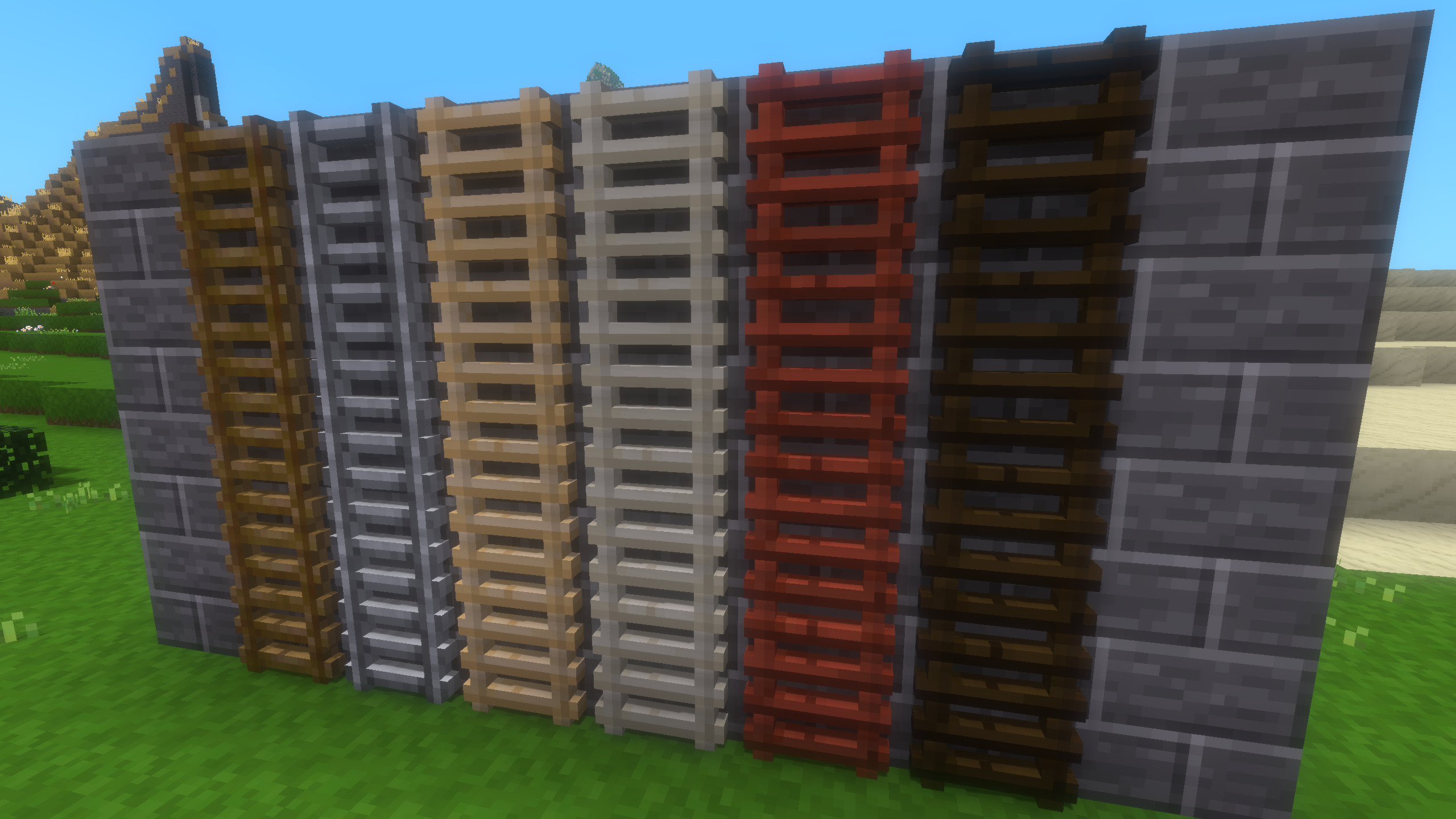
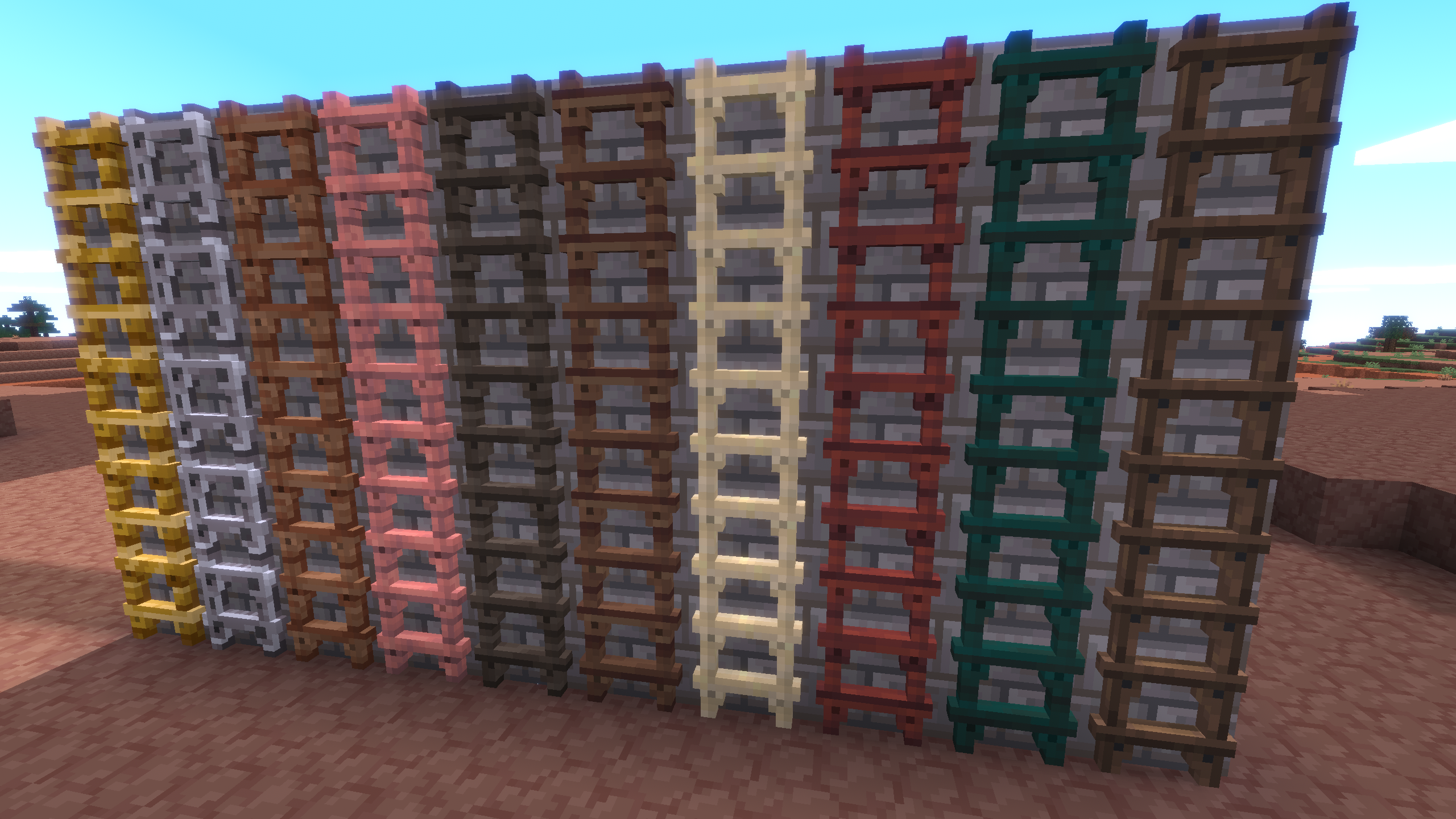
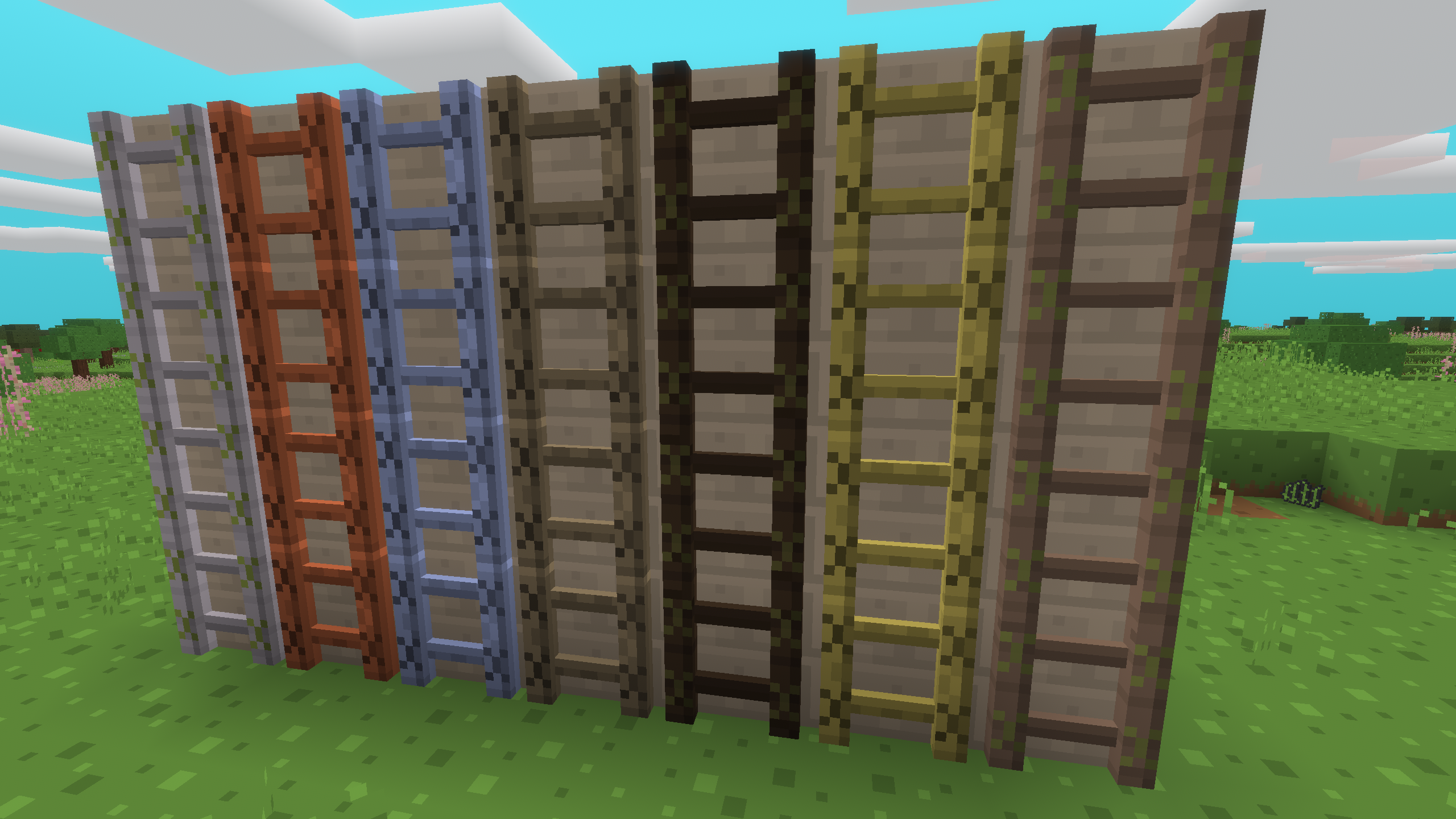
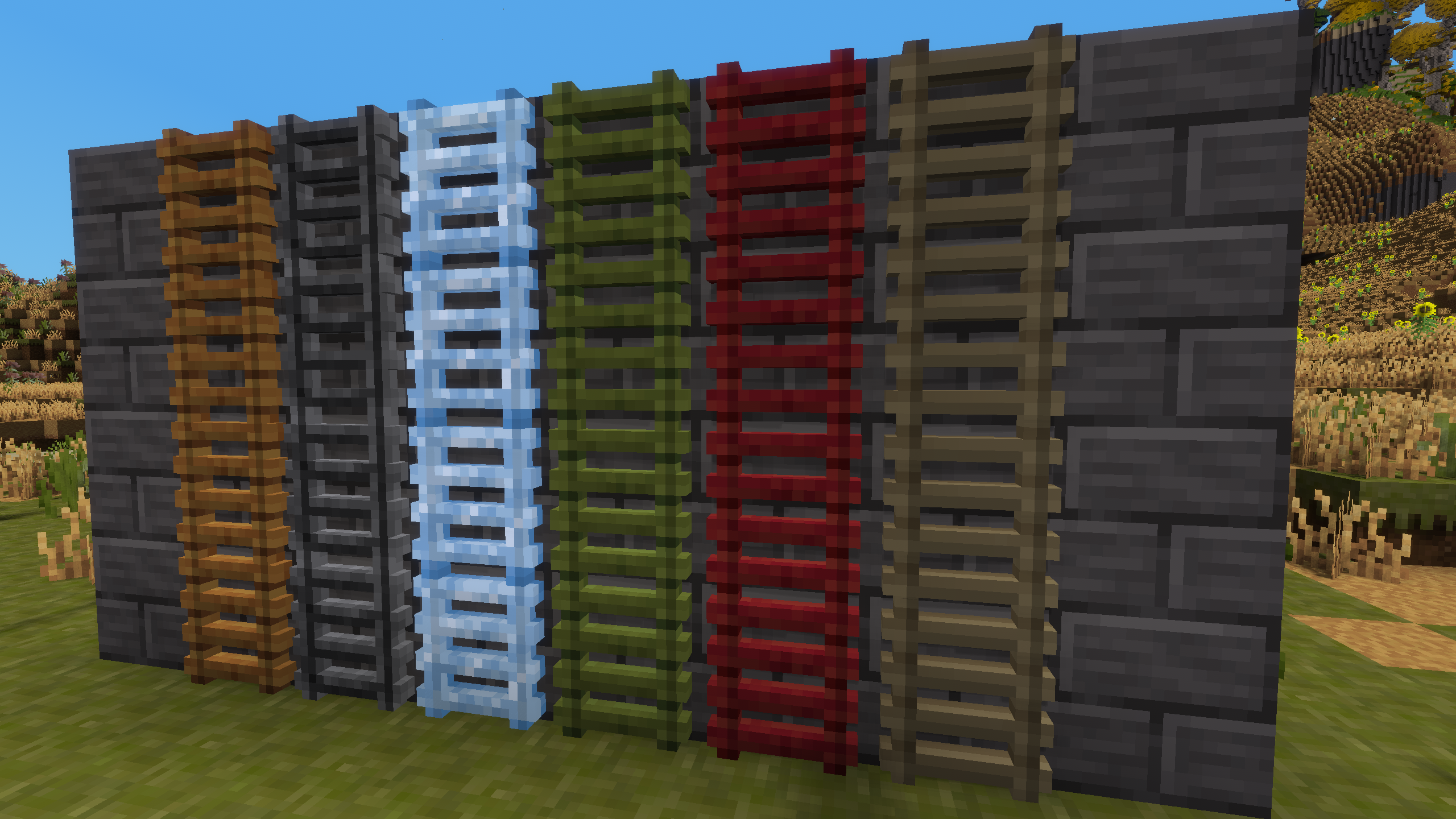
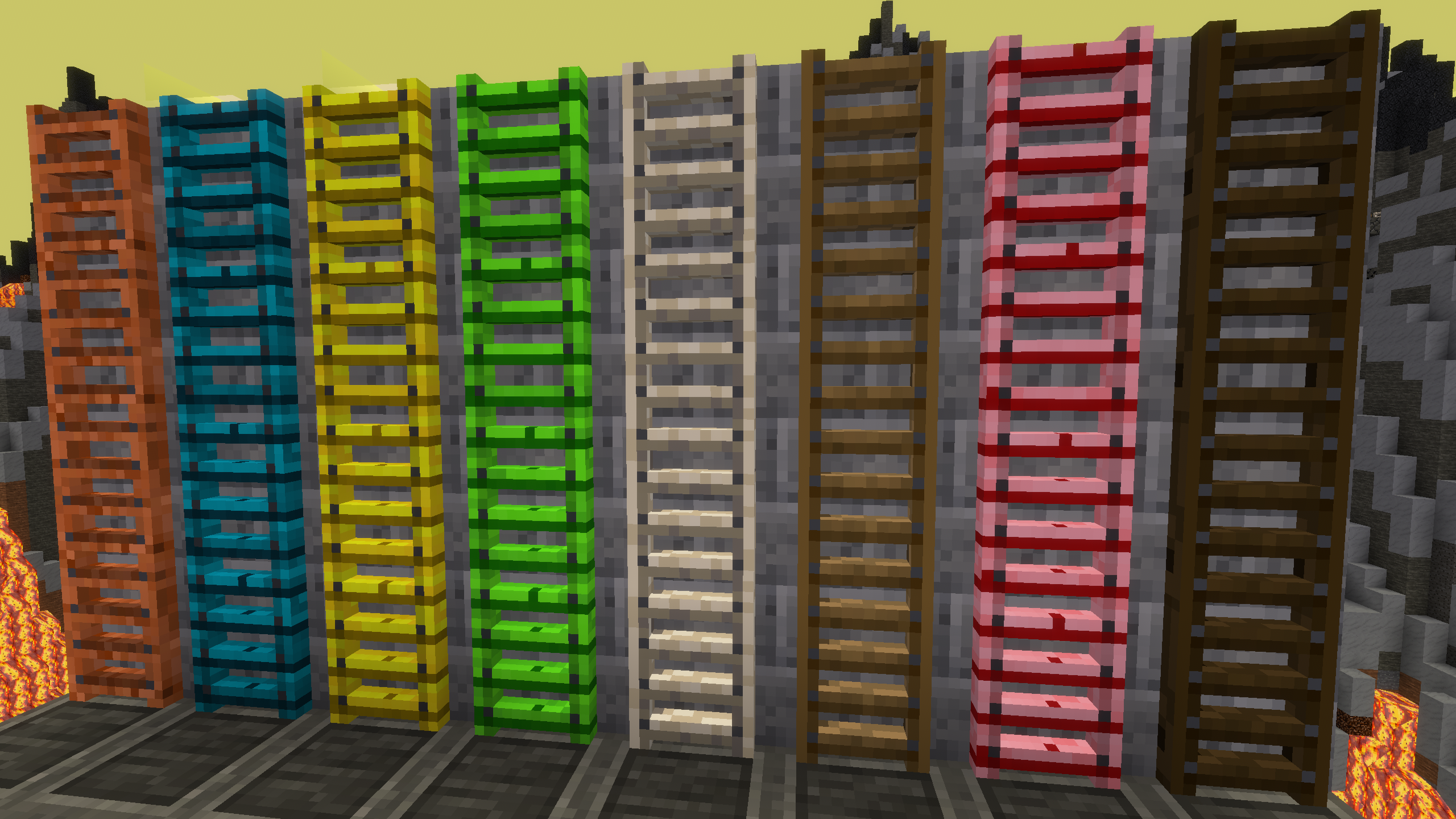
3D ladders of a wide variety of base materials.
Crafting
Crafting a ladder is done quite similar to crafting the “Minetest Game” default ladders. Instead of a stick the whole block is used. Just place in an H shape to get 7 ladders. To uncraft a ladder, just place it in the crafting grid to get one of the base item back.
The crafting recipe is more expensive than the de-facto standard recipe coming from “Minetest Game” default ladders. You get the materials back 1:1, though.
For individual materials please refer to your game’s crafting guide.
On game support
Please note that the 3D effect heavily depends on th einterplay of textures, texture masks, and nodeboxes. The mod was tested with the default textures and ladder shapes of the games. If you use non-standard textures or shapes, the registered ladders might not look correct.
Configuration
Configuration options can be set either in the configuration that was used for the server or in the file _ladders_3d.conf in the world directory. Configuration options are set in the following order.
- Built-in defaults
- Configuration options
- World-specific configuration options
A settingtypes.txt for the advanced configuration GUI for the Luanti client exists, but this does only set the global configuration options. It is suggested to use world-specific configuration options only, though.
Links
- Source: https://git.0x7be.net/dirk/ladders_3d
- Forum: https://forum.luanti.org/viewtopic.php?t=31154
- Issues: https://git.0x7be.net/dirk/ladders_3d/issues
- Website: https://git.0x7be.net/dirk/ladders_3d
- Original ContentDB page: content.luanti.org/packages/Linuxdirk/ladders_3d/
License
MIT
Media license: CC0-1.0
Development state
ACTIVELY_DEVELOPED
| Version | Date | Min engine | Size | Download |
|---|---|---|---|---|
| 2026-09-05 | 2026-09-04 22:00:26 | 5.17 | 1 MB | Download |