Goxel Tools
Allows using goxel to create Luanti builds. Saves a palette of node colors for import into Goxel and allows importing Goxel models made using said palette.
building_mechanics complex_installation creative developer_tools world_tools
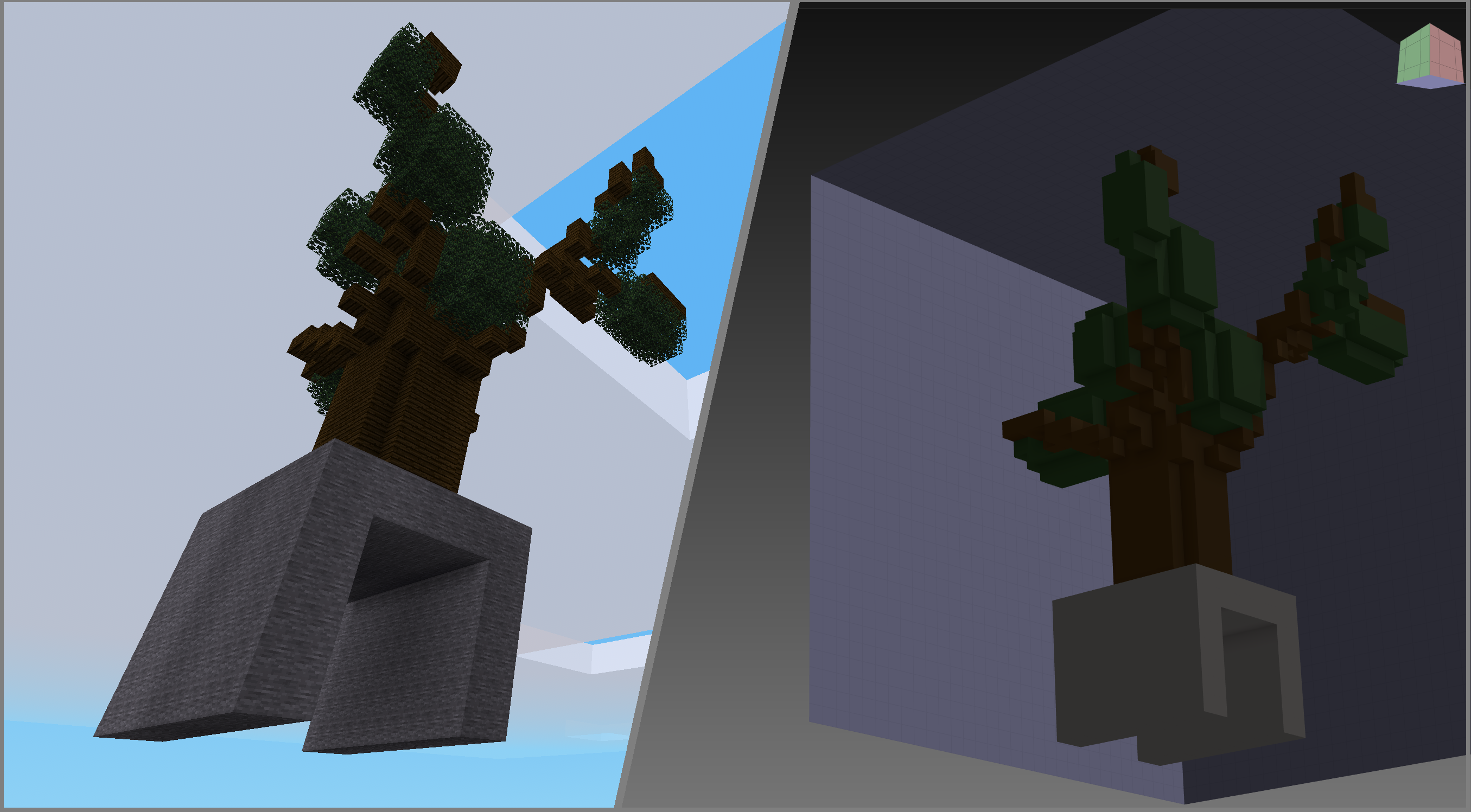
This mod allows you to create schematics with goxel.
Download Goxel: https://goxel.xyz/download/
First, you need to create a palette for your world that maps colors to nodes.
Create a world, enable the mod, and send /save_palette
Locate the .gpl palette in the the newly created /worlds/<world_name>/goxel_tools/world_name.gpl
copy the palette to the goxel palettes folder (open Goxel, Edit > Settings > Paths, it will show you your palettes path)
Restart goxel
In Goxel, go to Palette and select the drop down to find your world_name palette. Node names are arranged alphabetically.
Build your model.
When done, select File > Export > text
Save the text file to the world folder into goxel_tools
Open Luanti to your world, and run /place_goxel file_name or /place_goxel file_name X Y Z
(not /place_goxel file_name.txt) to place the model.
Links
- Source: https://gitlab.com/mistere123.coding/goxel_tools
- Issues: https://gitlab.com/mistere123.coding/goxel_tools/-/issues
- Original ContentDB page: content.luanti.org/packages/MisterE/goxel_tools/
License
MIT
Development state
MAINTENANCE_ONLY
| Version | Date | Min engine | Size | Download |
|---|---|---|---|---|
| 2025-05-12 | 2025-05-12 02:12:59 | 2.1 MB | Download |