Mod




![]()
Pickets
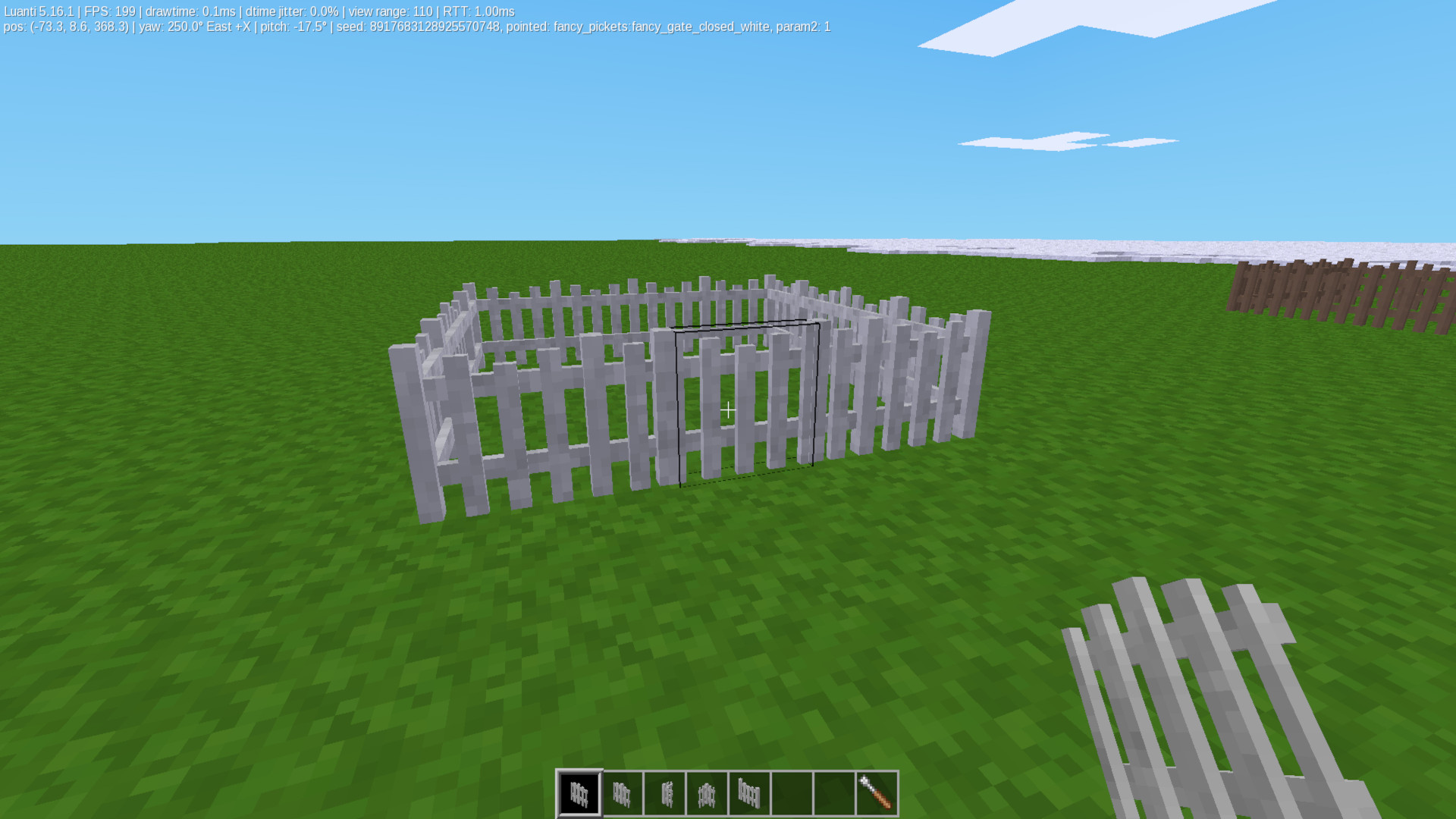
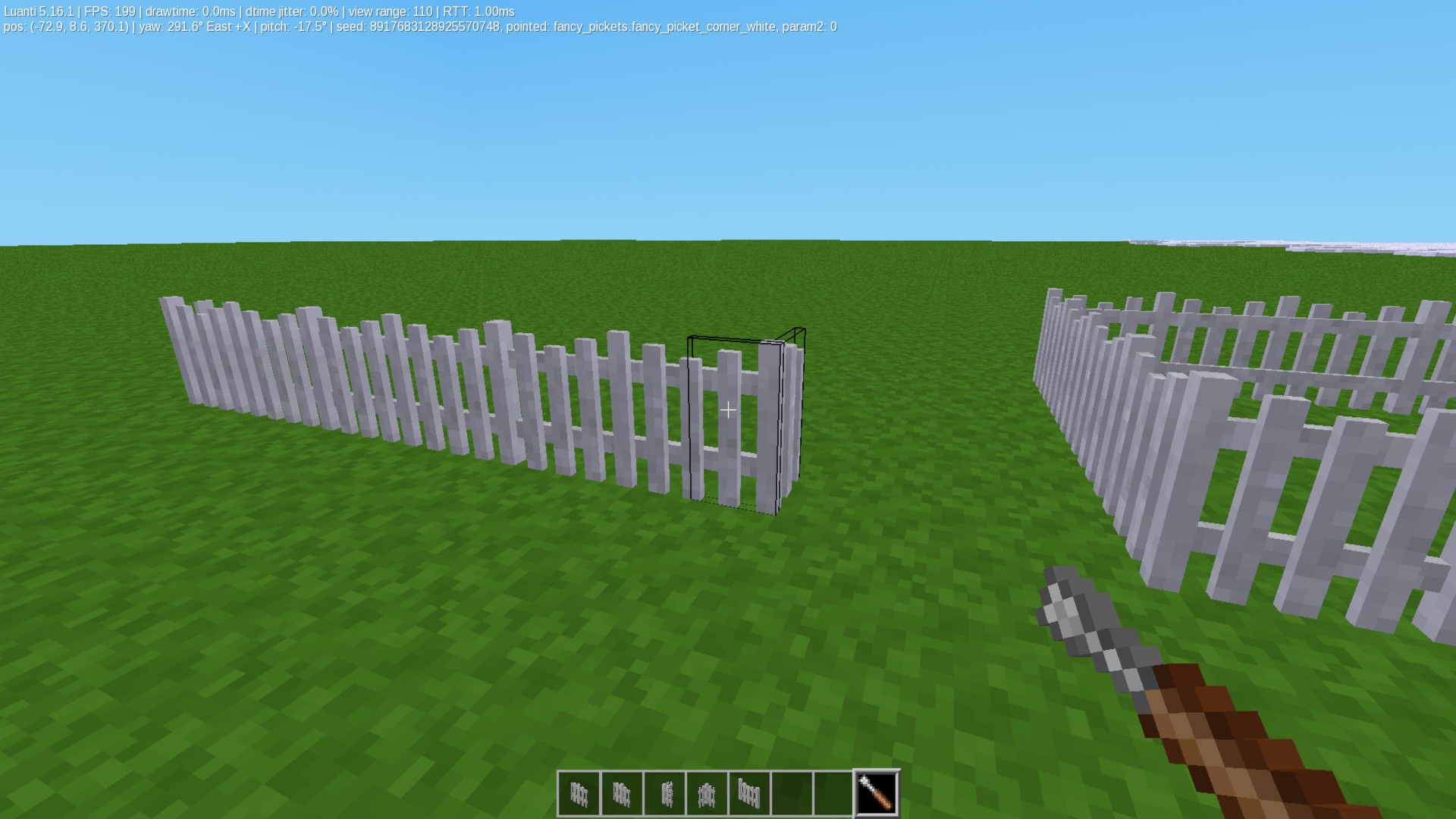
Adds, decorative (creative mode only) picket & fancy picket fences & gates (gates are customizable using 2 textures)
Pickets
A mod for Minetest Game for the Luanti Engine (formerly Minetest) that adds picket fences, fancy decorative fences, and matching working gates to your game.
Features
- Picket Fences: Classic wooden fencing options including straight paths, posts, inner corners, and outer corners.
- Fancy Fences: Decorative fencing variants for nicer builds.
- Animated Gates: Lightly animated gates.
- Custom Textures: Gates use two separate textures (one for the main panel and one for the post) so you can mix and match styles.
- Nice Flowerboxes: They attach to pickets, picket_posts, or under a window, and they look purty.
- Settings: You can choose if you want to use both types of picket styles or just one, as well as each individual material, all set up to toggle each off or on in the settings tab of the Main Menu. [settings / Content: Mods / Pickets]
Compatibility
- Required Games: Made specifically for
minetest_game. - Dependencies: Requires the
defaultmod to be enabled.
Tool Support
- Fully supports the Screwdriver tool for manually rotating fences and posts to face the exact direction you want.
Flowerboxes
- Place a flowerbox on a picket or picket post, or under a window.
- Right-click with Dirt (default:dirt).
- Right-click with the flower seeds of your choice (Daisy, Rose, or Viola).
- Grab your watering can, and go Left-click a water source to fill it.
- Right click your planted flowerbox with the watering can, wait about a minute.
- Profit. The flowers are perminent, until you break the box.
- The Shovel had another purpose, but I stripped that purpose out for now, and plan to re-add it in the future.
Installation
- Download this mod folder.
- Rename the folder to
pickets. - Place it inside your Luanti/Minetest
modsdirectory. - Enable the mod in your world settings before playing.
Licenses
- Code: MIT License — Copyright (C) 2015-2026 TumeniNodes
- Media (Textures, Models, Sounds): CC-BY-SA — Copyright (C) 2015-2026 TumeniNodes
Screenshots


Links
- Source: https://github.com/TumeniNodes/pickets
- Forum: https://forum.luanti.org/viewtopic.php?t=32635
- Issues: https://github.com/TumeniNodes/pickets/issues
- Original ContentDB page: content.luanti.org/packages/TumeniNodes/pickets/
License
MIT
Media license: CC-BY-SA-4.0
Development state
ACTIVELY_DEVELOPED
| Version | Date | Min engine | Size | Download |
|---|---|---|---|---|
| 2026-08-11 | 2026-08-11 02:19:11 | 6.3 MB | Download |