Archipelago for Piranesi
Connect Piranesi Restoration Project to Archipelago Multi-world Randomizer
chat complex_installation hud inventory
This mod acts as the client-side bridge between Piranesi Restoration Project and an Archipelago multiworld randomizer server. It handles:
- Item Reception - Receives items from other players and adds them to inventory or grants room access
- Location Checks - Sends checks when solving puzzles, entering rooms, and collecting items
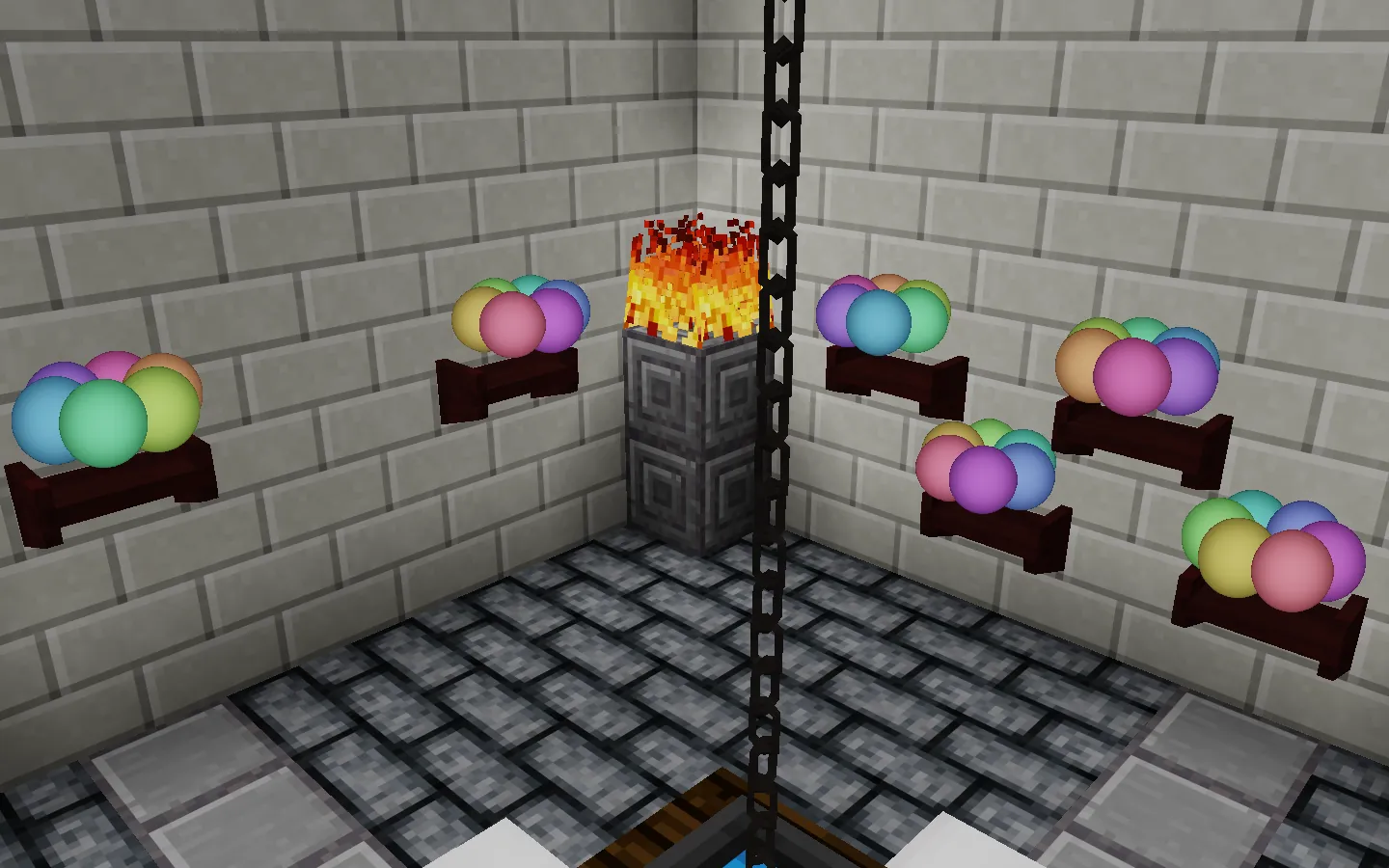
- HUD Display - Shows received room access items in the corner of the screen
- Chat Integration - Bridges game chat with Archipelago server chat
The mod is also packaged with piranesi.apworld 🌐, the Archipelago server-side component (a zip file containing source code and data that defines the game's configuration and logic).
Dependencies
This mod requires:
- Piranesi Restoration Project game
- arclib - Archipelago communication library (external dependency)
Installation
-
Install the
piranesi_archipelagomod to your Luanti mods folder. Recommended method is installation via the Content browser. -
Enable the mod when creating a new Piranesi world.
Setup
Before playing, you need to join an Archipelago multiworld:
Step 1: Prepare Your Player Files
- Copy the example YAML: Edit
example-player.yamlwith your preferred player name and settings - Send to host: Give your YAML file to the person hosting the multiworld
Step 2: Provide Game Package
Give the piranesi.apworld file (included with this mod, or link above) to the multiworld host. They need this to generate the randomized world.
Step 3: Wait for Multiworld
The host will generate the multiworld and provide you with:
- Server address (e.g.,
wss://archipelago.gg:54321) - Your slot name (matches your YAML file name)
- Room password (if required)
Usage
Step 1: Start WebSocket Proxy
Before connecting, you must run the WebSocket proxy:
- The WebSocket proxy is included with the
arclibdependency - Run the proxy (binary for your platform or run from source) from a terminal/command prompt
- The proxy will listen on
http://localhost:9839
Step 2: Connect to Archipelago
In-game, use the /ap command to open the configuration form and enter:
- Server URL - The server address from your host
- Slot Name - Your player name from the YAML file
- Password - Room password (if required)
Click "Connect" to join the multiworld.
Step 3: Play!
As you explore Piranesi:
- Enter new rooms, solve puzzles, and collect items to send checks.
- Receive items and access to rooms from the multiworld.
- Complete the final puzzle and escape the mansion for goal completion.
- Don't forget about hidden content!
Features
Item Handling
The mod processes two types of received items:
- Inventory Items - Added directly to your inventory (tools, materials, etc.)
- Room Access - Grants access to specific rooms you couldn't enter before
Room access is displayed via a HUD. Rooms that you don't have access to yet will be replaced by empty hallways; expect to travel through a lot of empty hallways early in the game before you've unlocked many rooms.
Item Groups
The most useful item groups are:
- Progression - all progressional things
- ProgressionCollectable - tangible inventory progressional items
- Room - room access (always progressional)
- Collectable - tangible inventory items
- Trash - things that are not progressional
Location Checks
Automatically sends location checks when you:
- Solve major puzzles - Complete key puzzles throughout the mansion
- Enter new rooms - First time entering specific important rooms
- Collect items - Pick up replaced items found in the world
Chat Bridge
In-game chat is bridged to Archipelago. See items other players are sending, use commands like !hint, and chat with other players on the Archipelago server.
Known Issues
Final Exit Softlock
If you leave the mansion via the final exit before completing all checks inside (including the Treasure Room) then you will be unable to complete those checks in that world. To access those again, you will need to start a new world, reconnect (you should re-receive your items/access), and complete the necessary puzzles and checks.
Potion Bottles
Potion brewing does not consume bottles like it does in vanilla. This can feel weird, but it actually helps with progression, because archipelago works the most straight-forwardly when progression items are permanent and non-consumable.
Crown Stacking
Crowns are stackable (they aren't in vanilla). This is just a quirk of how item handling differs and it's not incorrect in either case.
Forest Machine Puzzle
The Forest Machine puzzle requires many items (pewter key, pewter sword, pewter plate, obsidian pot, forge access, mold, axe) for a single check, which is somewhat unbalanced. Ideally, we would break it up into several component puzzles, but the mechanics of the gear-molding process make this difficult.
AI Disclosure
This project was developed jointly by human developer(s) and AI coding agent(s). AI models used may include members of the following model families: OpenCode Zen Big Pickle (based on GLM-4.x), and Copilot Anthropic Claude 4.x. Agent access to the project was managed by SST's OpenCode tool.
Links
- Source: https://gitlab.com/sztest/piranesi-archipelago
- Donate: https://liberapay.com/Warr1024
- Original ContentDB page: content.luanti.org/packages/Warr1024/piranesi_archipelago/
License
0BSD
Media license: CC-BY-4.0
Development state
ACTIVELY_DEVELOPED
| Version | Date | Min engine | Size | Download |
|---|---|---|---|---|
| 04012355-e2cca6c | 2026-06-13 12:42:11 | 5.10 | 101.6 KB | Download |