Mod





![]()
CodeBlock
Use lua code to build anything you want
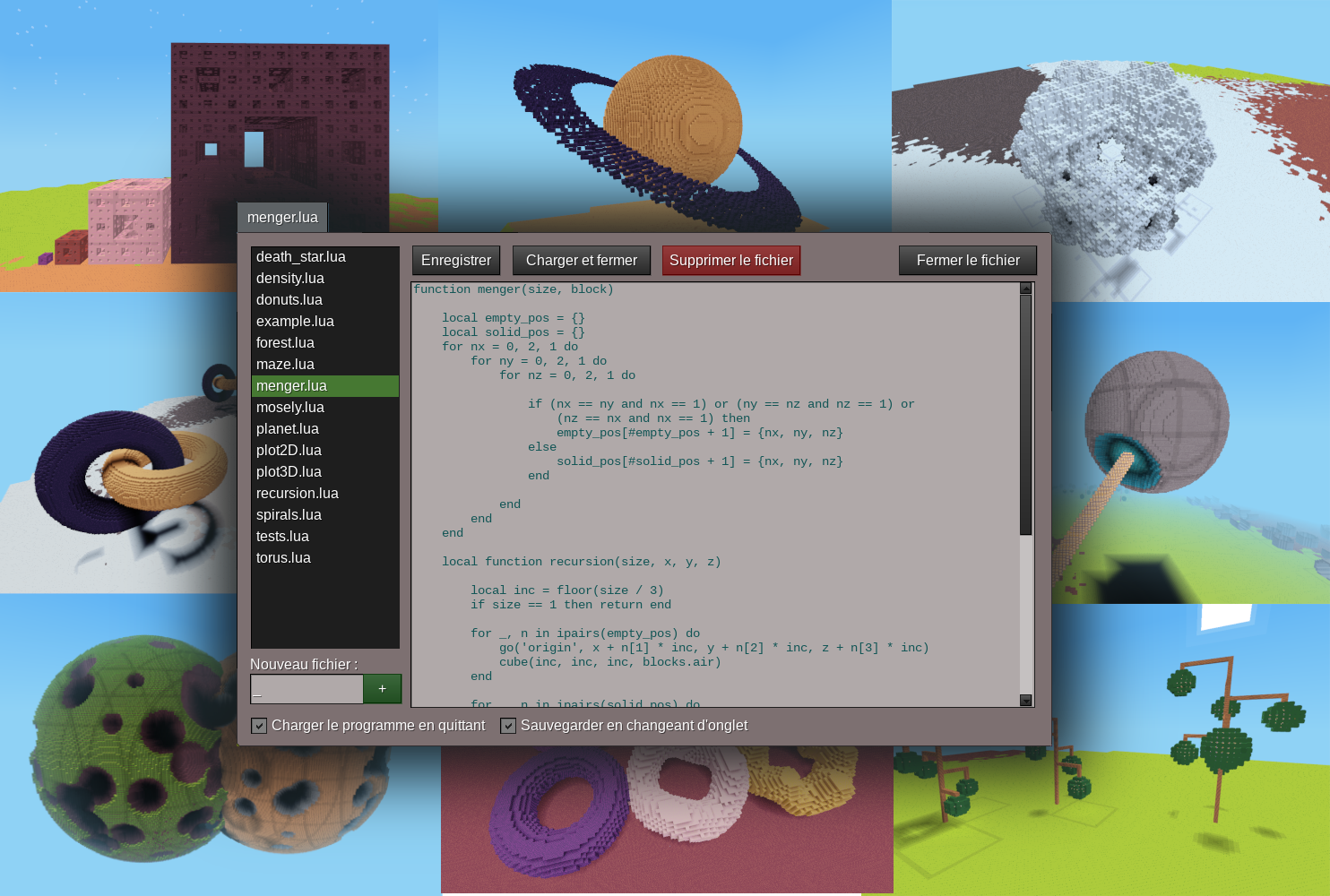
Write a program in Lua and watch your drone build it! You get an editor inside the game and an API of shapes and maths to build procedurally any structure you can imagine: learn to code, or give your inner computer artist somewhere to play.
Features
- Its own blocks. Thirty-five named colours, each as a solid block, a glass and a lamp, so the mod installs into any game and a program means the same thing in all of them.
- An editor in the game. A per-player program list, create, edit and save, and helpers beside the code for when you forget a command or a block name.
- A large API. Shapes, maths and conveniences: cubes, spheres, domes and cylinders, a random colour, and named checkpoints the drone can return to.
- Real Lua. Loops, functions, recursion and maths, everything in a sandbox that cannot harm the server.
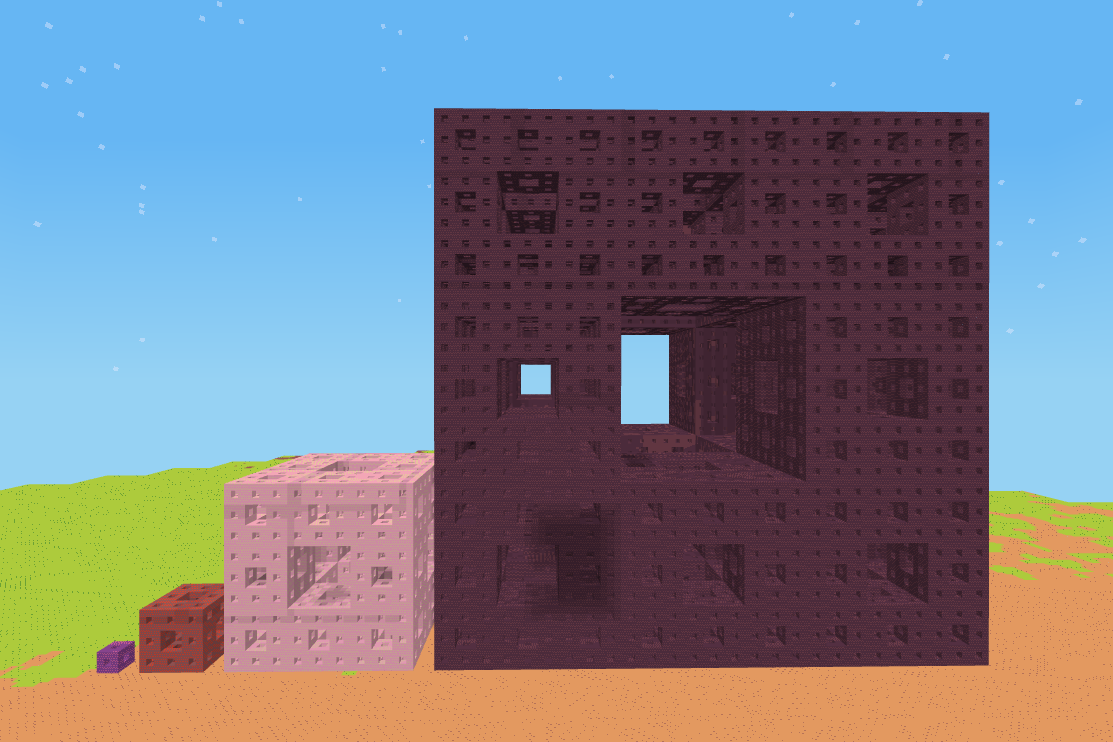
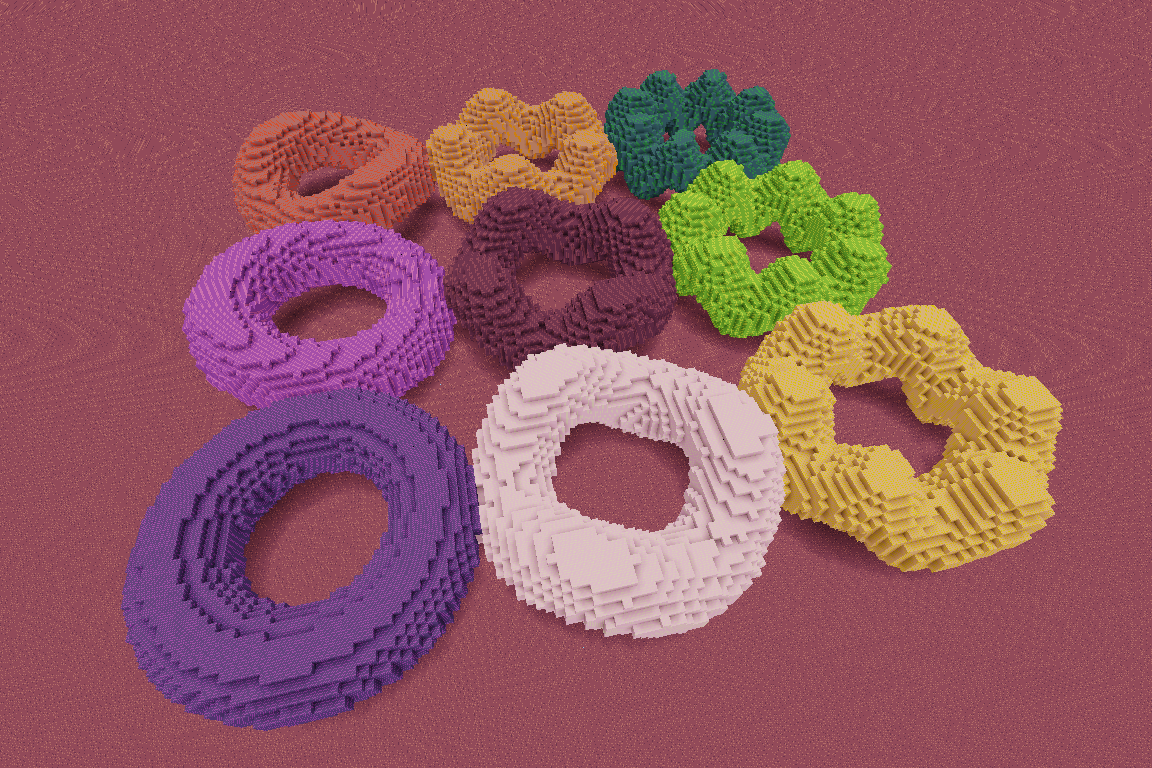
- Example programs to discover. Spirals, fractals, 3D plots and other more artistic examples. Open one and change a number to see what happens.
- A control panel. A nice UI gives you every limit with what your program has spent beside it, as well as pause/resume and stop controls on the drone.
- Per-player limits an administrator can tune, so the mod is usable on a public server and not only in singleplayer: how many blocks one program may write, how much CPU time it may use, how much of the map it may hold and how much memory it may grow by.
Quick start
- New flat world, creative mode, mod enabled. Run
/codeblock toolsto be given the Drone placer and the Drone setter, or take them from the creative inventory. - Right click a block with the Drone placer. A list of programs appears,
pick
stairs.lua. - Left click with the Drone placer. The drone builds the staircase in front of you.
To change what it builds:
- Right click with the Drone setter to open the editor. Open
stairs.lua, change the number of stairs, click Load and close. - Place a drone and left click again.
Experiment and discover with the other examples, or write your own!
Important notes
- Install
vector32.0.2 or newer. On an older one a program in the sandbox can change whatvectordoes for every other mod on the server. - Every player has a
codelevel, and it bounds what one program may spend of the server: how long it runs, how many blocks it writes, how much of the map it holds at once. If a program stops early, that is usually why, and the chat says which limit it hit. While it is still running, the corner display shows how much of each it has spent, and colours whichever one it will reach first. - At codelevels 1 and 2 the drone builds slowly on purpose, so a beginner can watch a loop happen. Levels 3 and 4 do not wait.
- A very large shape takes time and memory on the server. It is not refused — it is paced, and the drone waits when the map is holding too much.
- A single player starts high enough not to wait; on a server, new players start lower and an administrator raises it. The widest ceilings are never given out by default — someone has to ask.
Recent changes
- Its own blocks The mod no longer needs Minetest Game: it brings its own
palette of 35 colours as
colors,glassandlamps, and installs into any game. The oldblocks,plants,woolsandiwoolsnames are gone. A game can add a block category of its own withcodeblock.register_blocks, and it shows up in the editor beside the built-in ones. - One
/codeblockcommand/codeleveland/codegenerateare gone./codeblock level,/codeblock generateand the new/codeblock toolsreplace them, with no aliases: an old name reports an unknown command. Bare/codeblock levelnow answers what your codelevel is. - Colour ramps
ramp.hues(v, min, max)maps a number onto the colour wheel, so a shape can be coloured by height or distance.ramp.of(list, v, min, max)maps a number onto any other list — one of the palette orders below, a block category, or a list you built yourself. The two of them replacecolor(v, min, max), which is gone. - Picking at random
random.of(list)takes one value out of a block category, a palette order or a list of your own.random.hues()answers a colour name, soplace(random.hues())builds a solid block andlamps[random.hues()]the matching lamp. - Four ways of walking the palette
hues,light_hues,dark_huesandneutralsare ordered arrays of colour names — which colours, in what order. Every block table is indexed by those same names, so one array becomes a gradient in whatever material you index with it:place(dark_hues[i])builds a solid,glass[dark_hues[i]]its glass,lamps[dark_hues[i]]its lamp. get_block(right, up, forward)Read the block at an offset from the drone without moving it. The offsets turn with the drone, the same wayplace_relativedoes.is_block(block, right, up, forward)asks the same question as a yes or no.- Lua fixes
printtakes any number of arguments now, joined by a space, instead of printing the first and dropping the rest.repeat ... untilworks, having been refused outright.round(x, decimals)took its two arguments the other way round.table.randomizeris gone, and with it the wholetablename. - HUD A display in the top right corner while a program runs, showing how much of its budget it has spent.
- Control panel Left click with the drone setter tool to show a panel with the drone limits, plus pause and stop buttons. That click used to end the run outright with nothing asked.
- Default block Can be set in
Editor>Settings, then a bareplace()builds using this block. A program can override it for its own run withdefault_block(block). sleep(seconds)Pauses a program for a given duration.- Create a copy New button in the editor to open a copy of a program.
- Unsaved tabs Now marked with a
*so you can see the editor is holding an edit you have not saved. - The mod imposes less on your game It no longer puts the two drone tools in
your inventory when you join, no longer grants
fly,fastandnoclip, and no longer holds every player's sky at noon. Take the tools from the creative inventory or run/codeblock tools. Both tools can be dropped now. - Retuned limits Each codelevel was rewritten around what a program really spends: how long it runs, how many blocks it writes, how much of the map it holds. A saved program that fitted before may need a smaller shape or a higher codelevel. A new player starts at codelevel 3 in singleplayer and 2 on a server, where everyone used to start at 4.
- Performance Bulk shapes no longer depend on WorldEdit, and large builds no longer freeze the server.
The Codecube game bundles this mod with a flat world and settings chosen for it, which is the quickest way to try it without setting a world up yourself.
Inspired by Gnancraft, ComputerCraft, Visual Bots, TurtleMiner and basic_robot.
Links
- Source: https://github.com/gigaturbo/codeblock
- Issues: https://github.com/gigaturbo/codeblock/issues
- Original ContentDB page: content.luanti.org/packages/giga-turbo/codeblock/
License
AGPL-3.0-only
Development state
ACTIVELY_DEVELOPED
| Version | Date | Min engine | Size | Download |
|---|---|---|---|---|
| v1.0.0 | 2026-09-23 02:10:04 | 5.4 | 1.6 MB | Download |