Y Axis

Makes the depth of the World configurable in Voxelibre.
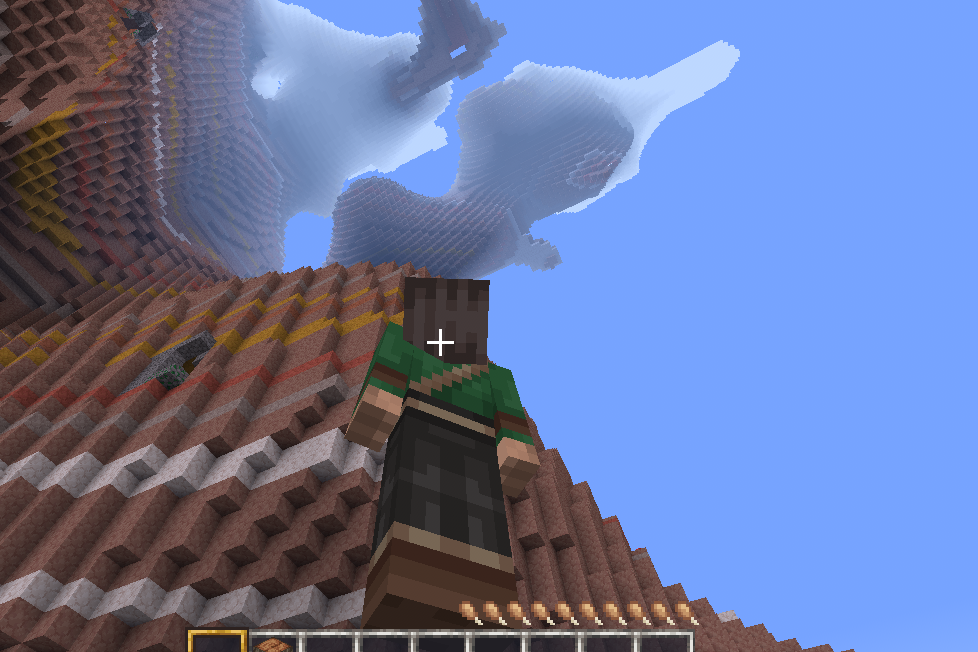
y_axis
y_axis is a Voxelibre mod that allows you to change the max depth of the world. This mod was made for Voxelibre but should work for mineclonia too, although I haven't tested it. This is my first mod.
Features
- Modifiable Map Generation: You can change the max depth of the world (default set is -20000). You can go upto -24000 (Although more than this should be possible, but will likely lead to crashes because you will intersect with the End biome )
Config Settings
y_axis.max_depth(Max Depth)
- Default:
-20000 - This integer setting controls the deepest point of the world's generation. You can make the world deeper, but going past
-24000may cause crashes as it intersects with other biomes.
y_axis.stronghold_depth(Stronghold Y Level)
- Default:
-256 - This is the fixed Y-level where strongholds will generate. You can change this to match your world's custom depth.
y_axis.ores_offset(Ores Offset from Original Y Levels)
- Default:
0 - Use this integer to shift all ore veins up or down. A positive number moves them up, while a negative number moves them deeper. This is a quick way to adjust ore distribution across the entire map.
y_axis.deepslate_layer(Deepslate Y Level)
- Default:
-256 - This integer determines the starting Y-level for the deepslate layer. You can change this to make the deepslate biome appear at a different depth.
Current Bugs and Problems
- Duplicate Ore Generation: Currently, there's a known issue where the original ore generation near bedrock still occurs, resulting in duplicate deposits. This is due to the Minetest engine's lack of a native
unregister_orefunction. I am yet to find a solution. - Lava and Water Generation: orginally lava pockets generated around -31, but it can be inconveniant to have the same water and lava pockets from -31 to -20000, I have nerfed the lava pockets but I am not sure what' the right approach is from gameplay perspective.
Installation
- Navigate to your Luanti mods folder (
path_to_luanti/.minetest/mods). - Copy or clone the
y_axismod folder into your mods directory. - Ensure the mod is enabled in your world's settings.
- I will soon upload this on contentDB so people can download it easily.
Usage
To customize the ore and map generation, you can go to settings and edit the configs in Luanti GUI.
Support
For help, bug reports, or feature requests, please use the project's issue tracker on GitLab. This is my first Mod so expect bugs.
License
This project is licensed under GNU GENERAL PUBLIC LICENSE Version 3. See the LICENSE file for details.
Original Source Code
This mod contains code derived from the Voxelibre project. Voxelibre is licensed under the GNU General Public License v3.0. Original source code can be found at: https://git.minetest.land/VoxeLibre/VoxeLibre
I am not a native English Speaker, This README was crafted with assistance from an AI.
Links
- Source: https://gitlab.com/ivyqube/y_axis
- Original ContentDB page: content.luanti.org/packages/ivyqube/y_axis/
License
GPL-3.0-or-later
Development state
BETA
| Version | Date | Min engine | Size | Download |
|---|---|---|---|---|
| First Release | 2025-08-28 09:36:42 | 723.6 KB | Download |