Test Edit

Have you ever dreamed of using WorldEdit on Luanti? Well, it’s possible!

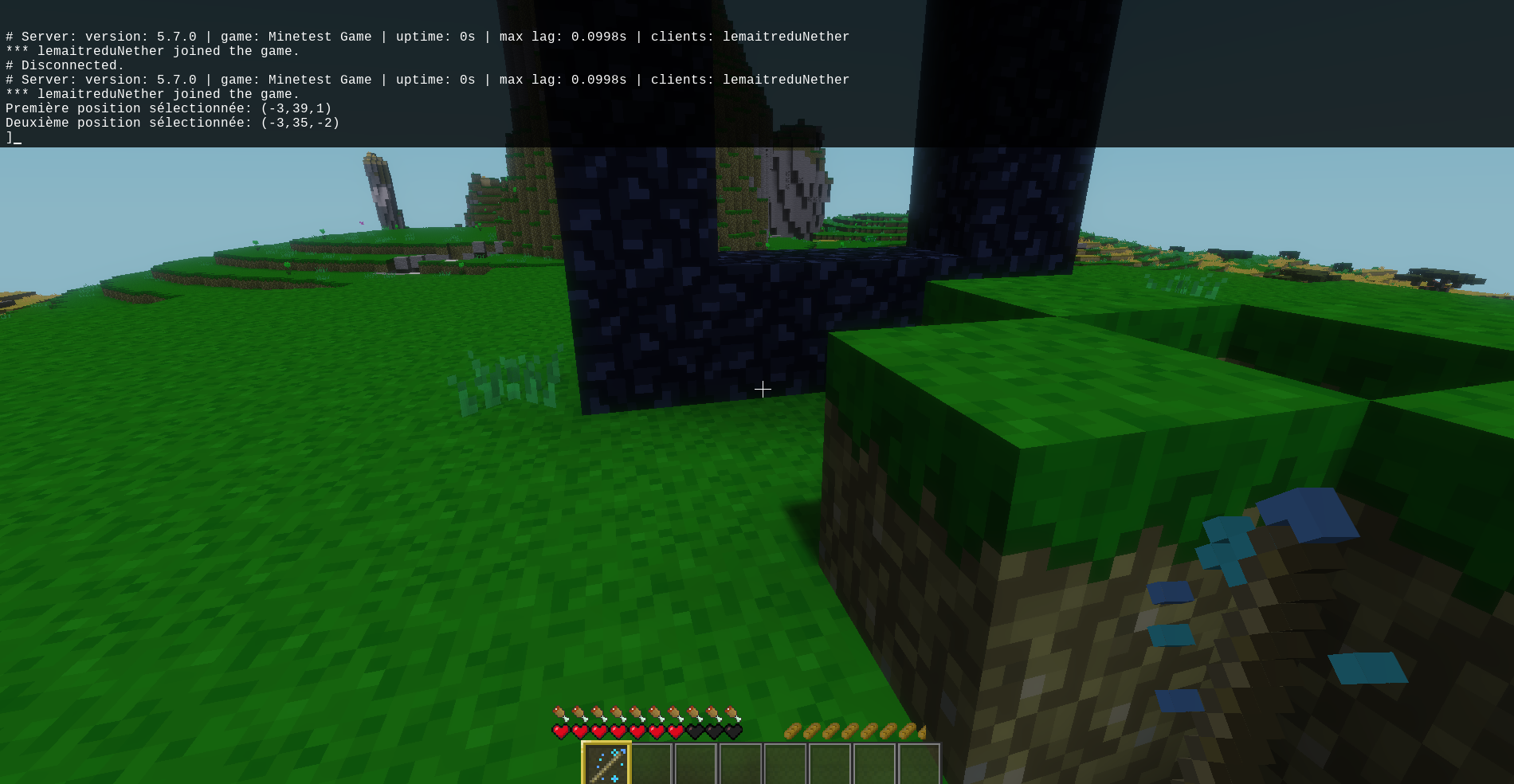
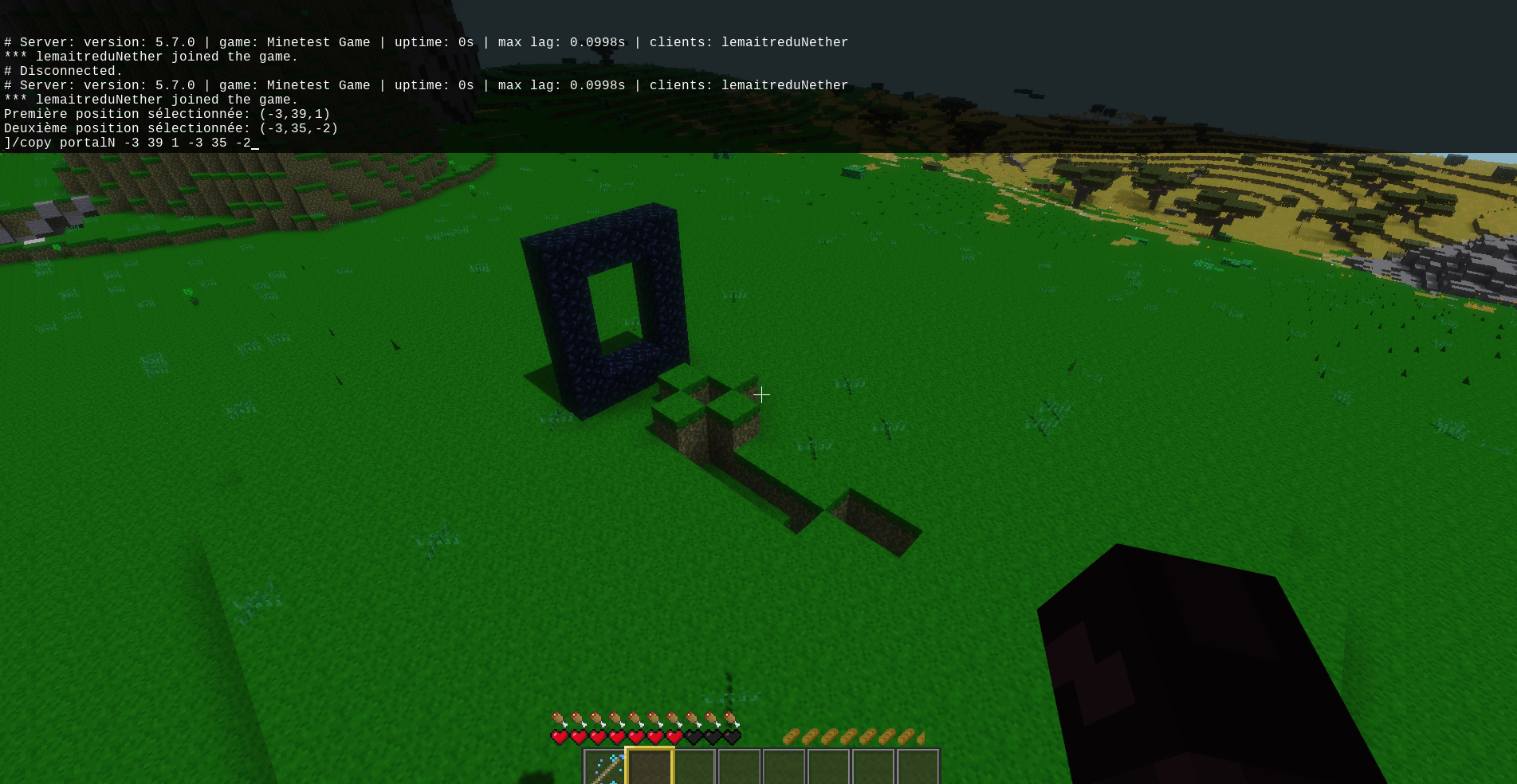
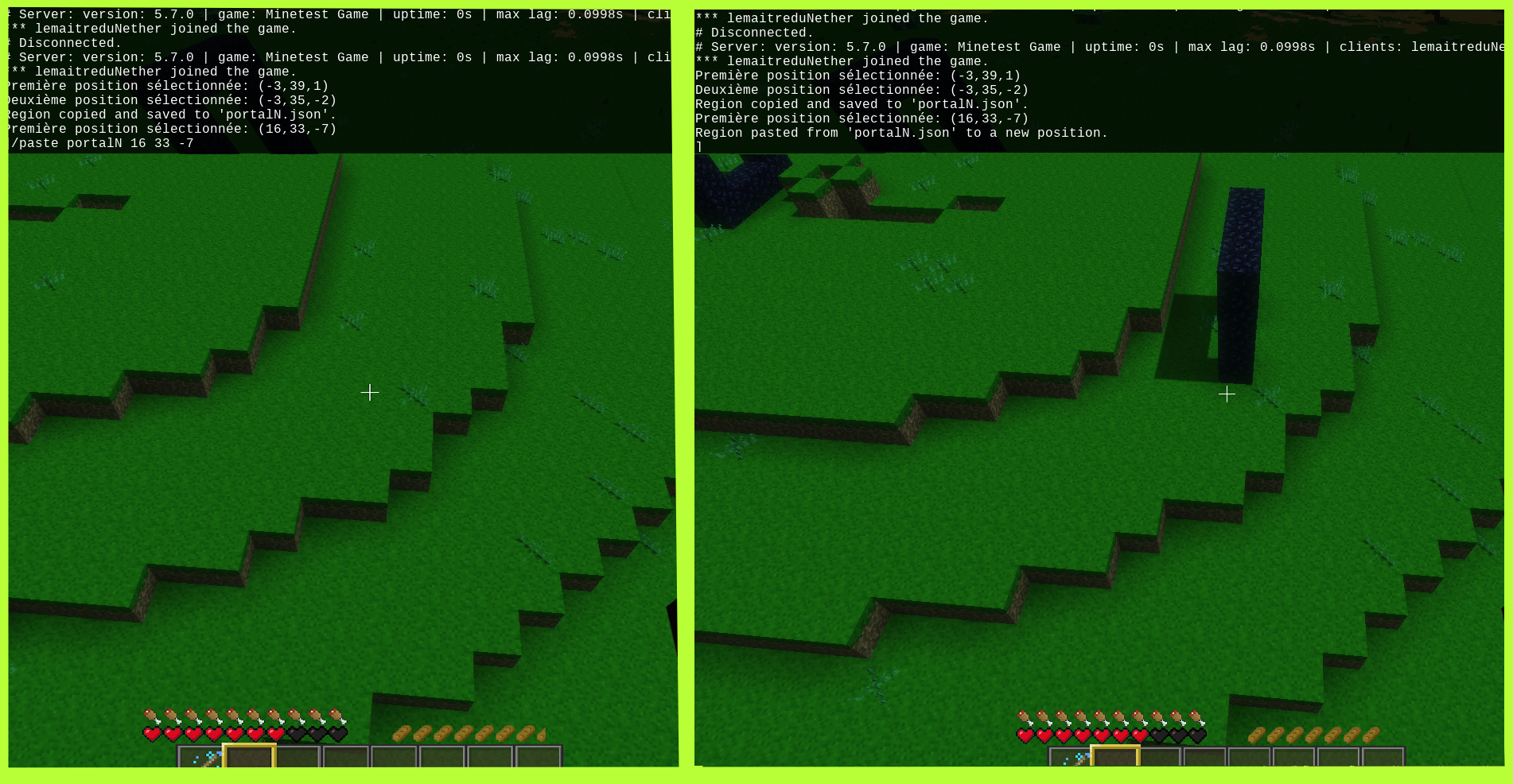
Have you ever dreamed of using WorldEdit in Luanti? Well, it’s now possible thanks to our test_edit mod! This mod allows you to quickly and easily manipulate the world around you to create amazing structures, custom landscapes, or anything your creativity can imagine.
How to Use the test_edit Mod
Command /replace
The /replace command is one of the most powerful features of this mod. It allows you to quickly replace blocks in a selected region. Here’s how to use it:
/replace <node_name_old> <node_name_new> <x1> <y1> <z1> <x2> <y2> <z2>: This command replaces all blocks of <node_name_old> with <node_name_new> in the region defined by the coordinates (x1, y1, z1) and (x2, y2, z2).
Command /paste
The /paste command is useful when you want to paste a region that you copied from a file. Here’s how to use it:
/paste <filename> <x> <y> <z>: This command pastes the region copied from the <filename> (a .json file) to the coordinates (x, y, z) in the world.
Command /undo
The error is human, and that’s why we included the/undo command to allow you to undo your last action. Here’s how to use it:
/undo: This command not work because it's so hard to code him...
The /copy command allows you to copy a region and paste it elsewhere. Here’s how to use it:
/copy <x1> <y1> <z1> <x2> <y2> <z2>: This command copies / saves the region defined by coordinates (x1, y1, z1) and (x2, y2, z2) in a shematics-like file, but in .json in the ./world/[Your World Name]/build folder.
Command /set
The /set command allows you to quickly place blocks in a specified region. Here’s how to use it:
/set <node_name> <x1> <y1> <z1> <x2> <y2> <z2>: This command places the
construction. Enjoy the adventure! Left click: Left click to set the first position. Left Click + Shift: Hold down the Shift key and click with the left mouse button to set the second position, forming the region.
Tips and Tricks
Be sure to use the "Select Stick" tool to simplify the definition of coordinates.
With the test_edit mod, you now have the power to shape the world of Minetest in your image. Whether for massive construction projects, subtle landscape adjustments or simply to experiment with world creation, this mod offers you powerful tools to make your builder dreams come true.
Links
- Donate: https://www.paypal.com/paypalme/lemaitreduNether
- Original ContentDB page: content.luanti.org/packages/lemaitredeNether/test_edit/
License
MIT
Development state
BETA
| Version | Date | Min engine | Size | Download |
|---|---|---|---|---|
| Test Edit V1.0.6 | 2023-08-31 07:21:33 | 5.1 | 15.5 KB | Download |