DoggioWars

Aerial dogfight over floating voxel islands — you ARE the fighter plane.
custom_mapgen mini-game pve transport



DoggioWars ✈️
A standalone Luanti game — no Minetest Game required.
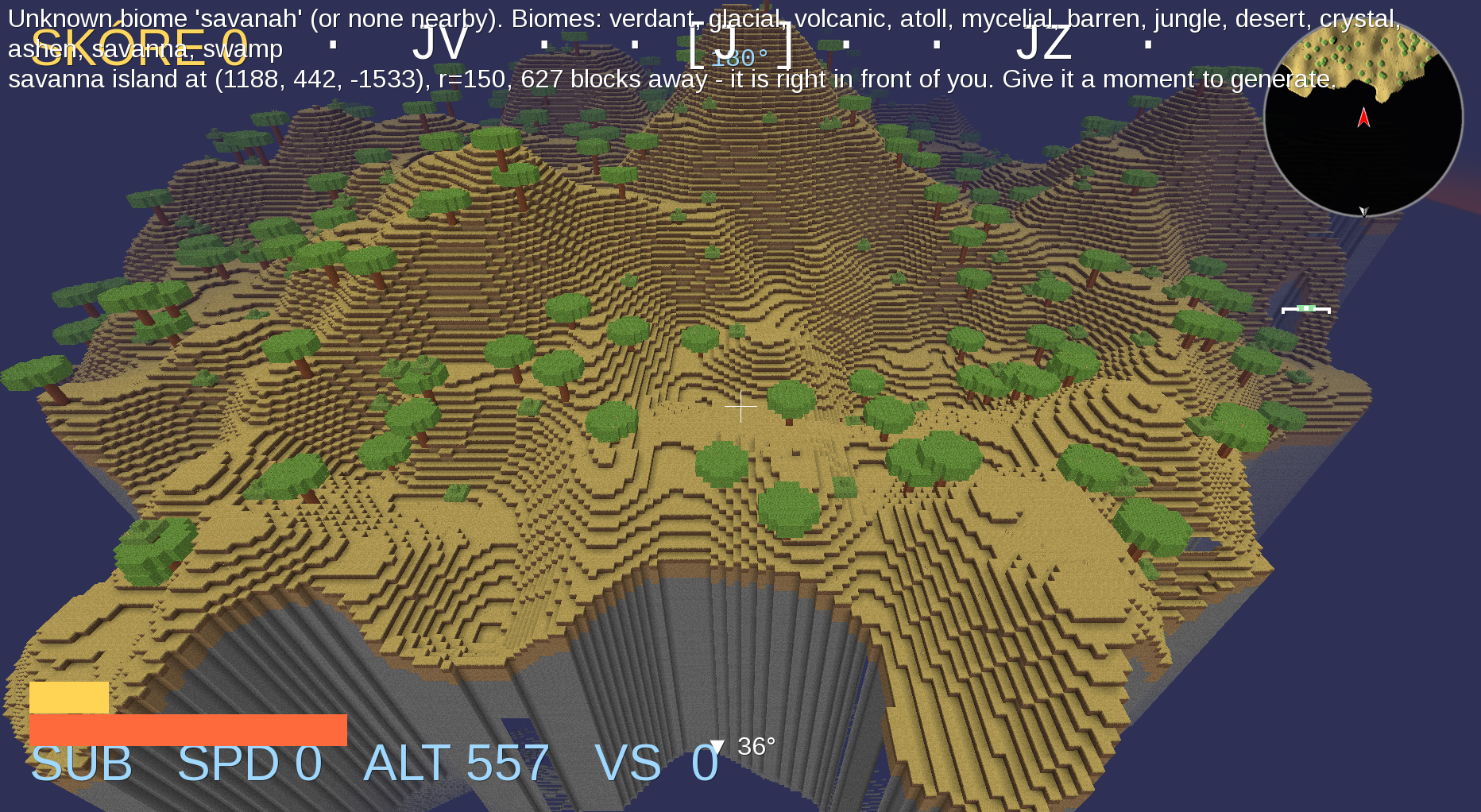
You ARE the fighter plane. An aerial dogfight arena set among floating voxel islands — fly, shoot, pull aerobatic tricks and race a golden rabbit through carved tunnels.

The world
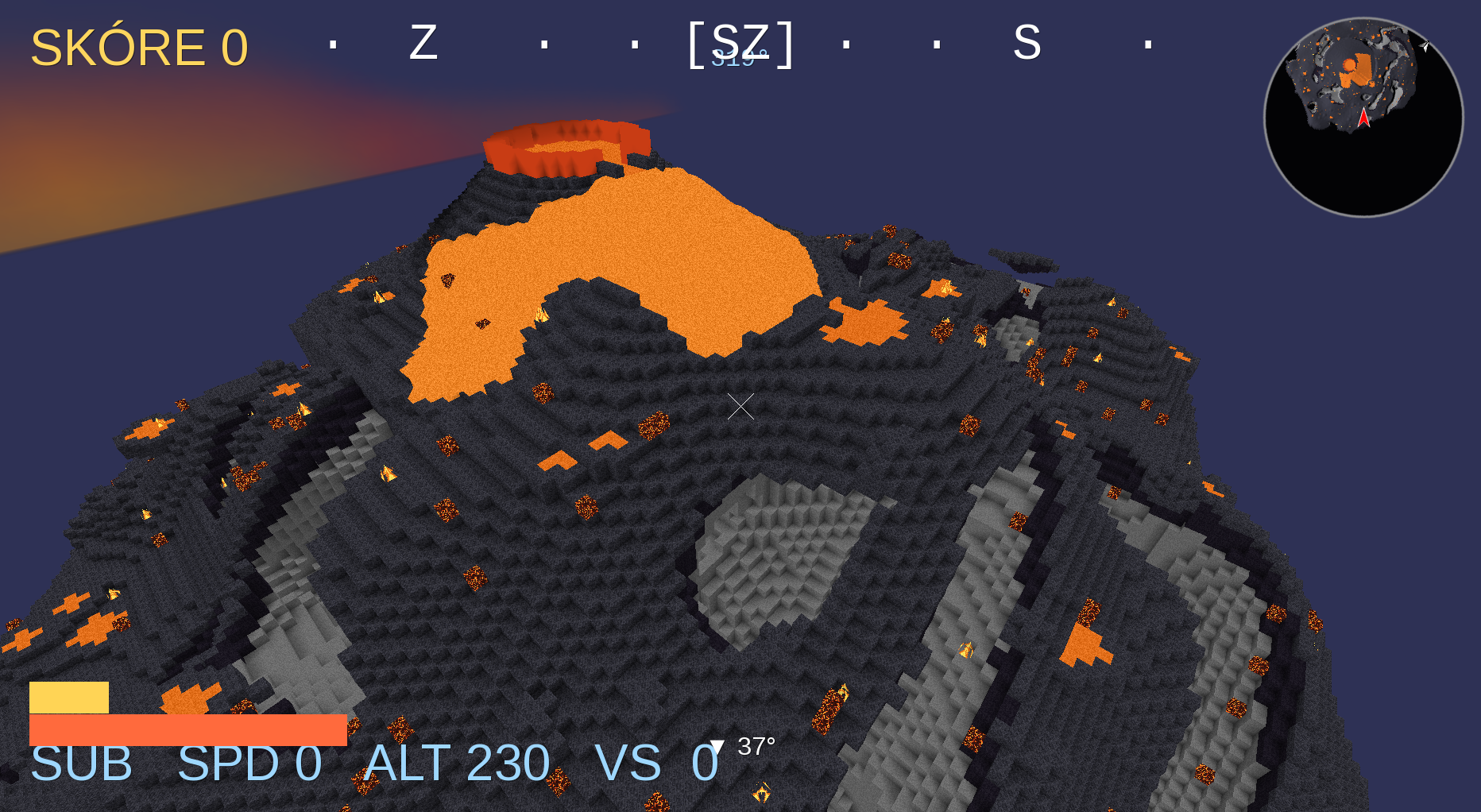
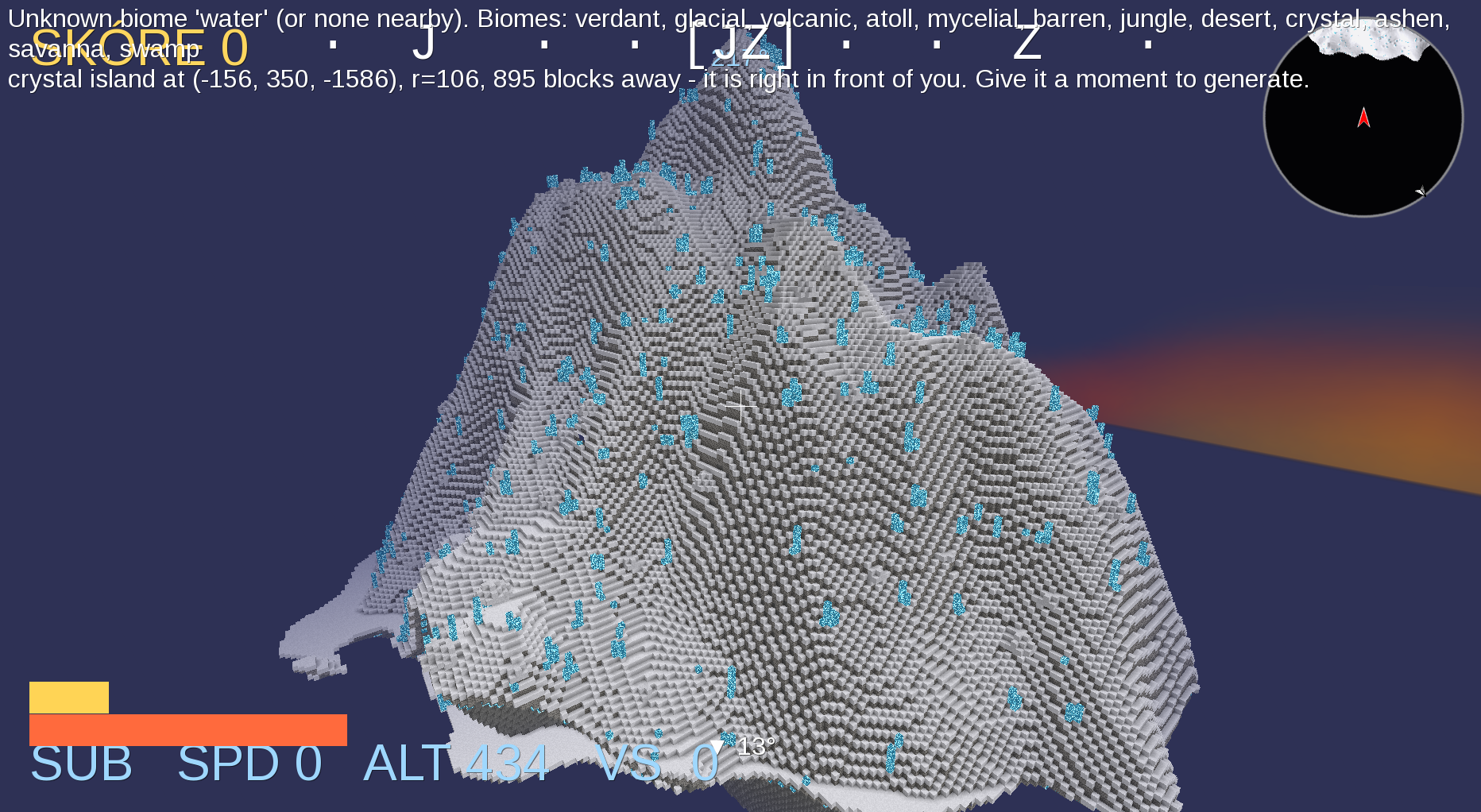
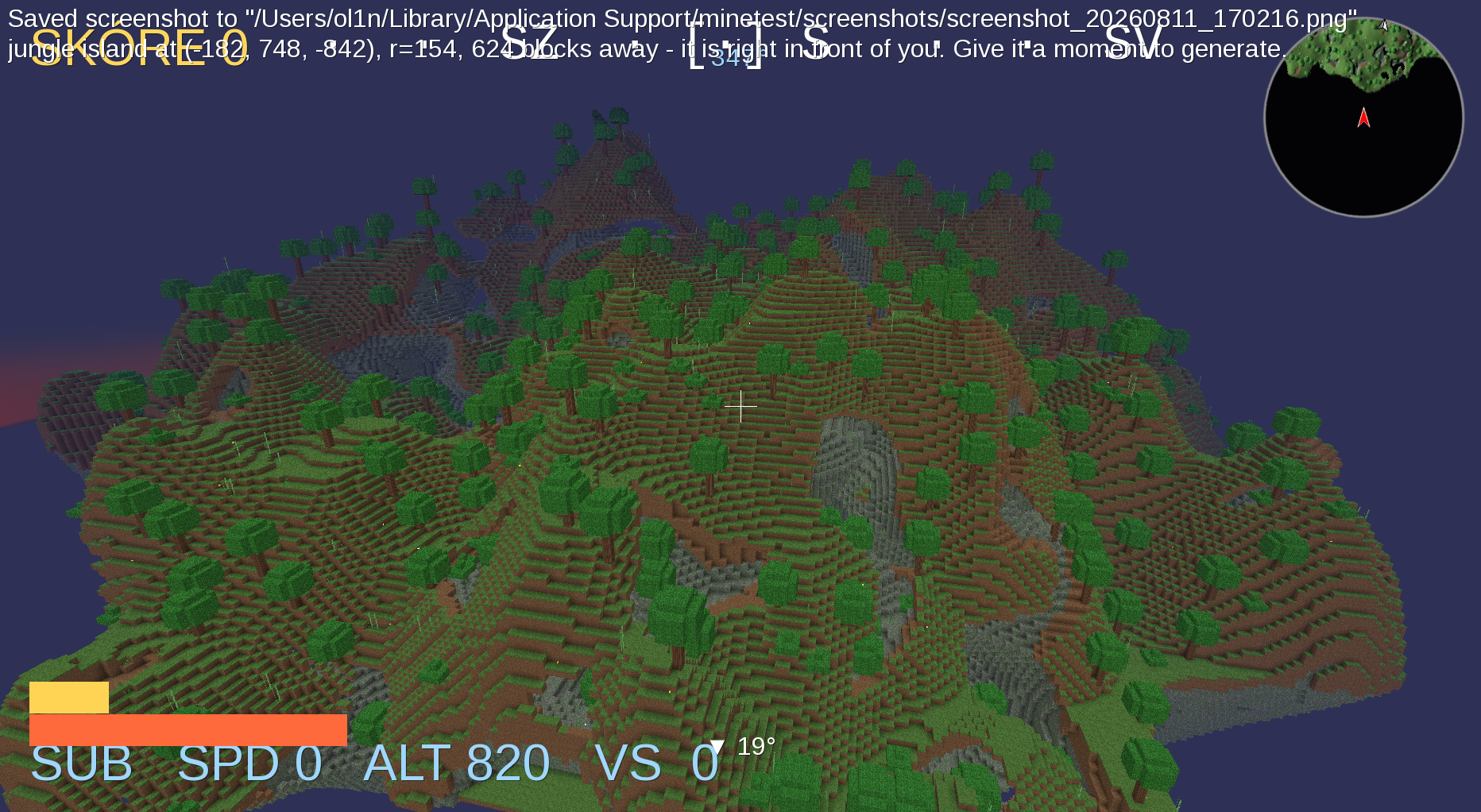
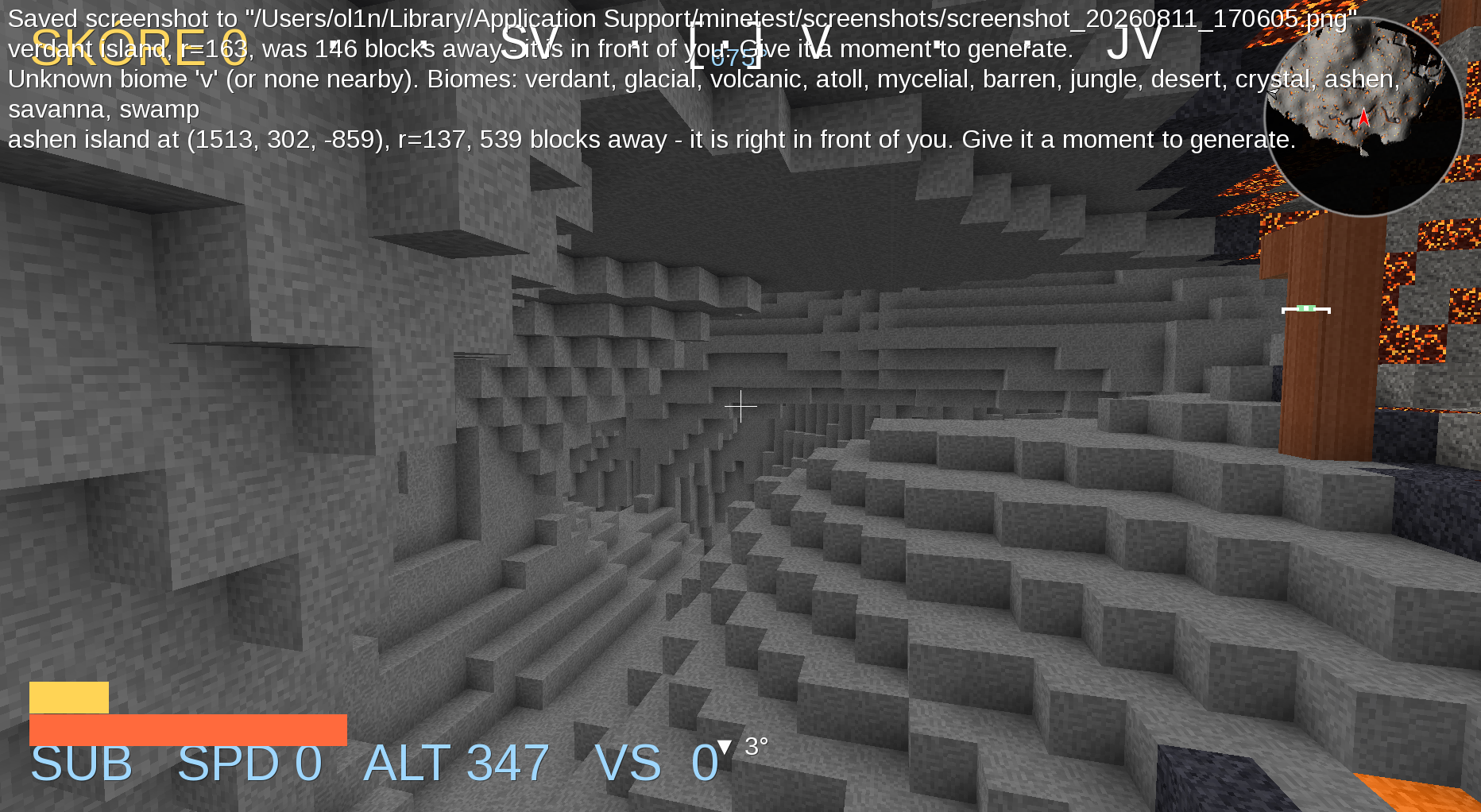
An endless sky filled with floating islands in 12 biomes, generated deterministically from the world seed:
verdant · jungle · savanna · glacial · desert · atoll · crystal · volcanic · ashen · barren · mycelial · swamp
Expect volcanoes with lava overflowing from the crater, waterfalls and rivers on large green islands, lagoon atolls, giant mushrooms, glowing crystal spires and icicled glacier mesas. Islands are destructible — your shots knock pieces off, and the debris tumbles into the void.
You spawn on a home island (random biome per world) and take off immediately — there is no walking in DoggioWars.
Controls
Two control modes, toggled with /mode. Submarine is the default —
it hovers, so you can stop and look around while you learn the world;
/mode fighter switches to the aeroplane. The mode is per player and
survives respawn.
Submarine (default)
5DoF hover. Release the controls and the ship eases to a stop.
| Input | Action |
|---|---|
| Mouse / right stick | heading + pitch — the hull chases the crosshair |
| W / S (left stick ↑↓) | thrust forward / back along the hull axis |
| A / D (left stick ←→) | strafe sideways (heading unchanged) |
| Shift / Space (X / ○) | rise / sink vertically |
| Left mouse button, E (R2) | shoot |
Tricks, boost and drift are disabled in submarine mode — those buttons have a new meaning here.
Fighter (/mode fighter)
Mouse-flight: the plane chases your crosshair. Steer by looking.
| Input | Action |
|---|---|
| Mouse / right stick | aim — the plane follows the crosshair |
| W / S (left stick ↑↓) | throttle / brake (speed is persistent) |
| A / D (left stick ←→) | bank — rolls into the turn and comes round slowly |
| Left mouse button, E (R2) | shoot |
| Right mouse button (L2) | boost |
| Space / Shift (X / ○) | nose up / down |
| double-tap A or D | Barrel roll (brief invulnerability) |
| hold Space ≥ 0.8 s | Looping |
| double-tap S | Immelmann turn |
| S + A/D | airbrake drift turn |
Two ways to turn, and they feel different. Looking with the mouse or the right stick points the nose straight at where you want to go. The left stick banks instead: the plane rolls onto a wing and comes round about three times slower. Luanti cannot roll the horizon, so attitude is read off a level indicator under the minimap: a line that banks with the aircraft and rides above a fixed mark when climbing, below it when descending. Sitting flat on the mark means level flight. The numeric bank and vertical speed stay in the HUD as well.
Steep dives build overspeed, climbing bleeds it off. Skimming close to terrain charges your boost meter, and tricks score points.
Gamepad: native Luanti joystick support (Xbox 360, PS4 DualShock) — see GAMEPAD.md for setup, the button map and troubleshooting (in Czech).
Chat commands
| Command | Effect |
|---|---|
/mode |
toggle submarine ↔ fighter (/mode sub, /mode fighter) |
/island |
fly to the nearest island — it ends up in front of you |
/island <biome> |
same, for the nearest island of a biome (ice, volcano, sand, green, … or full names) |
/goto <x> <z> or /goto <x> <y> <z> |
fly to coordinates |
/home |
return to the home island at the origin |
/race |
greyhound race — chase the golden rabbit (/race stop to cancel) |
/radar |
toggle the island radar (minimap) |
/gp |
live gamepad diagnostics overlay |
/respawn_fighter |
respawn your plane |
Installation
Install from ContentDB (Luanti main menu → Content → Games), or clone into your games folder:
git clone https://github.com/lioilsources/DoggioWars.git \
    ~/.minetest/games/doggiowars_game
The folder must be named doggiowars_game. Luanti takes the game id from
the folder name but strips a _game suffix — the same reason minetest_game
has the id minetest — so the game id stays doggiowars and worlds keep
working. Then create a world and pick DoggioWars as the game. Requires
Luanti 5.12+ and nothing else — no Minetest Game, no other mods.
Where the games folder lives:
- macOS:
~/Library/Application Support/minetest/games/ - Windows:
%APPDATA%\Minetest\games\ - Linux:
~/.minetest/games/
The gamepad is enabled by default (the game ships its own minetest.conf
defaults). PS4/PS5 DualShock owners still need to pick the joystick type
once — see GAMEPAD.md.
How the game is put together
game.conf            game metadata; forces the singlenode mapgen
minetest.conf        default settings for this game (gamepad on, view range)
menu/                icon, header and background for the main menu
mods/doggiowars/     all the gameplay — mapgen, flight, weapons, races
mods/dw_nodes/       stand-ins for the minetest_game nodes the terrain uses
tools/               procedural texture generator for dw_nodes
dw_nodes is what makes the game standalone. The terrain used to be built
from Minetest Game's blocks — default:stone, flowers:rose and so on.
Bundling Minetest Game would have meant shipping other people's assets
(LGPL 2.1 code, CC BY-SA 3.0 media), so dw_nodes provides all ~70 of them
instead, in its own dw_nodes: namespace, with textures drawn by
tools/gen_textures.py. Every asset in the repository stays original work.
The old names still resolve: dw_nodes registers an alias for each one, so
worlds saved by earlier versions load unchanged. New code should use
dw_nodes: — aliases do not appear in registered_nodes.
License
- Code and documentation: MIT
- Media (
textures/,models/, screenshot): CC BY-SA 4.0
All media is original work — no third-party asset packs are bundled. See LICENSE for details.
Links
- Source: https://github.com/lioilsources/DoggioWars
- Original ContentDB page: content.luanti.org/packages/lioilsources/doggiowars_game/
License
MIT
Media license: CC-BY-SA-4.0
Development state
WIP
| Version | Date | Min engine | Size | Download |
|---|---|---|---|---|
| v2.4.0 | 2026-09-25 02:20:30 | 5.12 | 1 MB | Download |