Debugging Console
Provides an in-game HUD to easily monitor debug output
developer_tools library world_tools
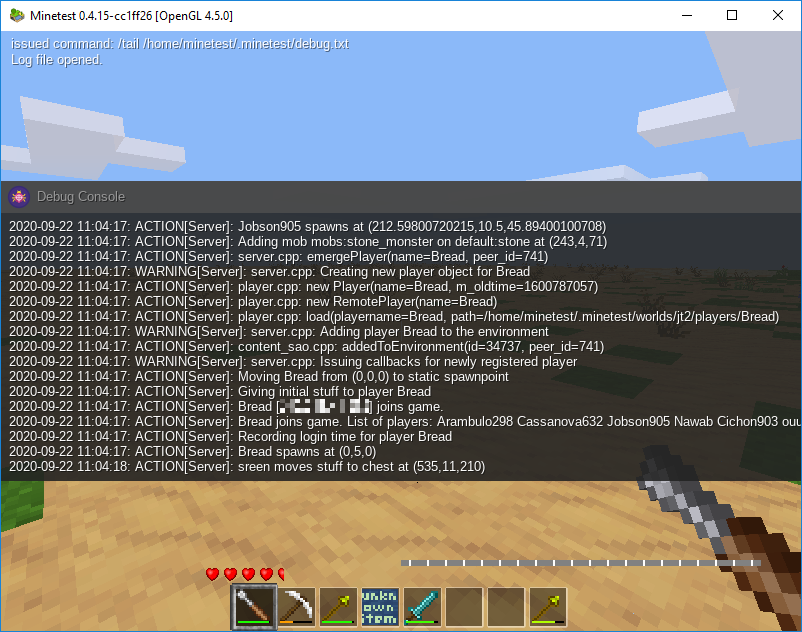
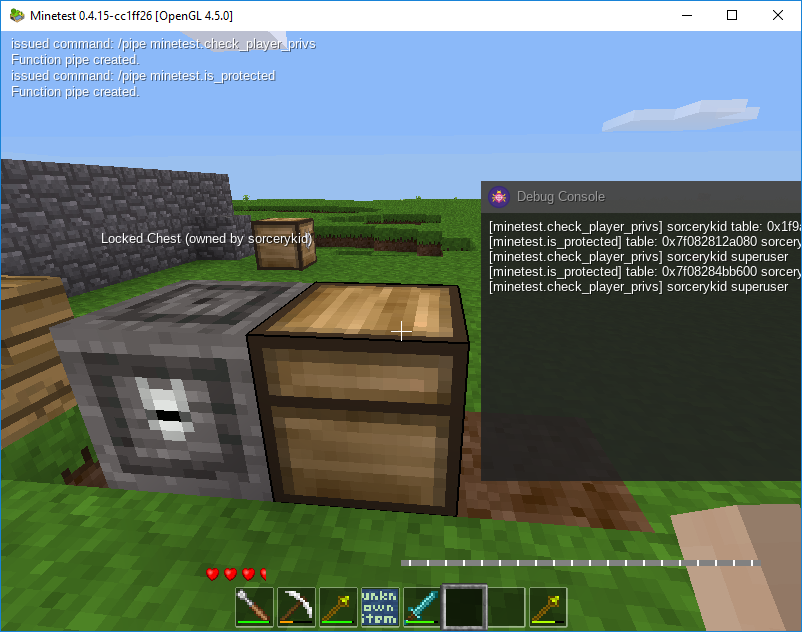
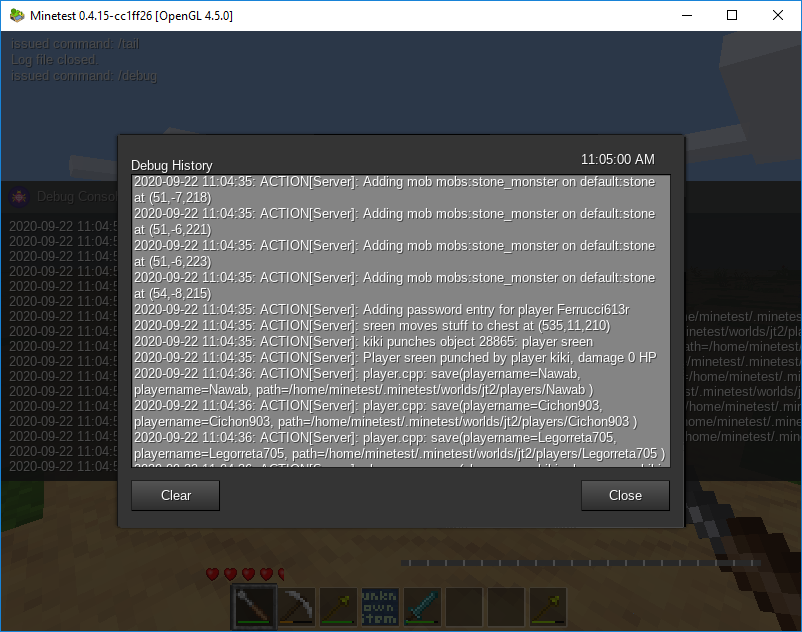
The Debugging Console mod greatly simplifies outputting of debug information to privileged users directly in-game, without the need for the ever so cumbersome minetest.chat_send_all().
Now it is as simple as calling printf(), which supports substitution of values a-la string.format() as well as lists of values if provided a table for its first argument. Helpful chat commands include /pipe for piping the input of any API function to the debug console for realtime inspection and /tail for continuously following the output stream of any plain-text log file on the server, such as debug.txt.
The console can also be toggled into a more compact form or hidden entirely by pressing SHIFT+E at any time. And with the /debug chat command, it's possible to copy the entire debug output into another application for more detailed review.
Links
- Source: https://bitbucket.org/sorcerykid/console.git
- Forum: https://forum.luanti.org/viewtopic.php?t=25433
- Issues: https://github.com/sorcerykid/console/issues
- Donate: https://liberapay.com/sorcerykid
- Original ContentDB page: content.luanti.org/packages/sorcerykid/console/
License
MIT
Media license: LGPL-3.0-only
| Version | Date | Min engine | Size | Download |
|---|---|---|---|---|
| Version 1.1 | 2020-09-30 23:25:33 | 5.8 KB | Download |